
Skins. Codes. Clear answers.

All Codes/Market / Cashout code guides/SkinSwap

SkinSwap Code free5: Item Reward & Sell Bonus

Use the supplied free5 code or referral link, then compare the eligible first-trade item reward with the separate sell bonus. Check the account offer before a trade; neither benefit guarantees a cash payment.

Offer sources checked
Player offerSkin up to $50 + 3% sell bonus · terms
Visit SkinSwap

StrikePot earns affiliate commissions through this partnership.

THE TEN-SECOND OVERVIEW

SkinSwap at a glance

SkinSwap is a selling and trading service rather than a case game. Compare the selected items, the actual payout method and the final amount after processor or network deductions.

Compare it for: Compare a skin sale’s actual net payout

Important: Compare the final payout and item quote; a fee headline alone does not establish the cash you receive.

CODE & OFFER

SkinSwap offer & conditions

A new-customer skin worth up to $50 after an eligible first trade, plus a separate 3% sell bonus included in active quotes. Conditions apply.

  • Affiliate codes are for new customers.
  • Make the first qualifying trade within 48 hours of claiming the code, with at least $10 in site items.
  • Only that first trade determines the item cap; the $250 level is needed for an item worth up to $50.
  • The separate 3% sell bonus is already included when the Sell page shows 3% Bonus Active.

Offer documentation checked 2026-11-07.

BEFORE YOU USE THE OFFER

What “up to $50” means on this landing

For new customers, the item offer requires a first qualifying trade within 48 hours and at least $10 in site items. Its value cap depends on that one trade. When the Sell page shows 3% Bonus Active, the displayed prices already include that separate bonus; do not add it again.

  • The item reward and the 3% sell bonus are separate benefits; active Sell quotes already include the percentage.
  • The 1% affiliate commission belongs to the referrer and is claimed as site balance, which the help says cannot be withdrawn as cash.

How to use SkinSwap’s code or link

  1. 1

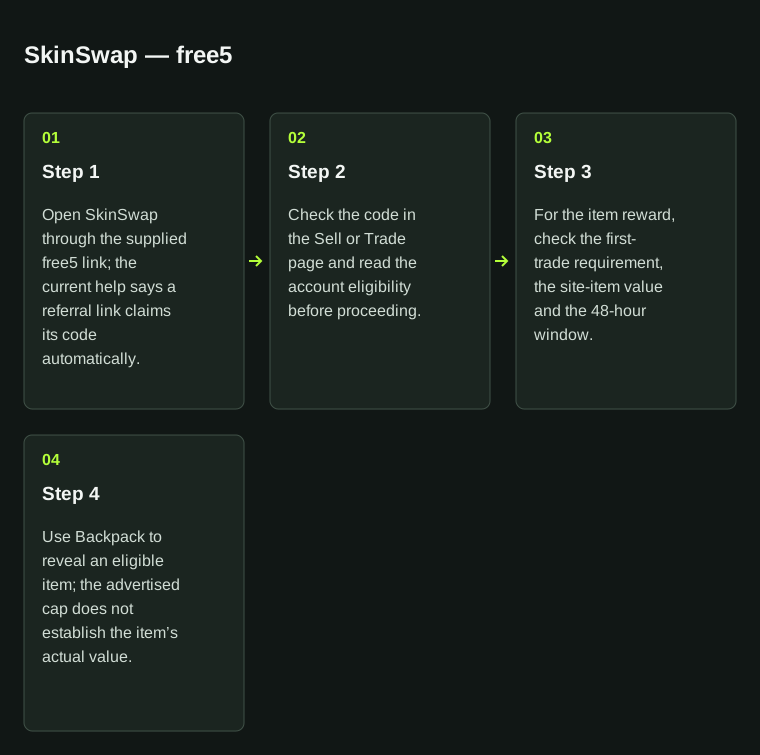
    Open SkinSwap through the supplied free5 link; the current help says a referral link claims its code automatically.

  2. 2

    Check the code in the Sell or Trade page and read the account eligibility before proceeding.

  3. 3

    For the item reward, check the first-trade requirement, the site-item value and the 48-hour window.

  4. 4

    Use Backpack to reveal an eligible item; the advertised cap does not establish the item’s actual value.
SkinSwap — free5Step 1: Open SkinSwap through the supplied free5 link; the current help says a referral link claims its code automatically.; Step 2: Check the code in the Sell or Trade page and read the account eligibility before proceeding.; Step 3: For the item reward, check the first-trade requirement, the site-item value and the 48-hour window.; Step 4: Use Backpack to reveal an eligible item; the advertised cap does not establish the item’s actual value.SkinSwap — free501Step 1Open SkinSwap through thesupplied free5 link; the currenthelp says a referral link claimsits code automatically.02Step 2Check the code in the Sell orTrade page and read the accounteligibility before proceeding.03Step 3For the item reward, check thefirst-trade requirement, thesite-item value and the 48-hourwindow.04Step 4Use Backpack to reveal aneligible item; the advertisedcap does not establish theitem’s actual value.
SkinSwap — free5. Step 1: Open SkinSwap through the supplied free5 link; the current help says a referral link claims its code automatically.; Step 2: Check the code in the Sell or Trade page and read the account eligibility before proceeding.; Step 3: For the item reward, check the first-trade requirement, the site-item value and the 48-hour window.; Step 4: Use Backpack to reveal an eligible item; the advertised cap does not establish the item’s actual value.

SkinSwap: use free5 with the steps above. Preserve the exact spelling.

How SkinSwap’s free-item unlock levels work

SkinSwap’s current help ties the item cap to the first qualifying trade after a new customer claims a code. The trade must happen within 48 hours and include at least $10 in site items. Only that first trade determines the reward tier.

A referral link claims its code automatically according to the help page; the Sell and Trade pages also accept codes. Check the account’s eligibility and use Backpack to reveal an eligible item. An advertised maximum is not a guaranteed item value or cash payout.

SkinSwap affiliate-code free-item guide · maximum item values
$10 in site itemsItem worth up to $1
$50 in site itemsItem worth up to $7.50
$100 in site itemsItem worth up to $20
$250 in site itemsItem worth up to $50
Time windowFirst qualifying trade within 48 hours of claiming the code
EligibilityNew customers; at least $10 in site items; only the first qualifying trade counts

The sell bonus is a separate benefit

The current affiliate help also describes a 3% sell bonus. When the Sell page shows 3% Bonus Active, its displayed prices already include that bonus. Do not add another 3% to the same quote when comparing the final cash amount.

Sources for this SkinSwap guide

Code record
StrikePot partner code
Instructions
Public claim instructions documented
Public source check
Official offer details
Our verification and editorial method

SkinSwap code details

Manual code
free5Copy and apply this code
Visit method
Referral link
Link destination
skinswap.com
Directory category

Payments, delivery and account requirements

Platform
Skin selling, buying & swapping
Deposits / funding
Select tradable skins in the Sell flow. Buying and swapping use their own transaction quotes.
Withdrawals / delivery
Current help lists crypto, bank, PayPal, Venmo, Pix and SEPA routes. Use only the method offered to your account and region.
Fees
Payout fees and minimums depend on the receiving method. The current Market buying fee is 0%; that is separate from a cash-sale quote.
Minimums
Check the final payout-method quote for its minimum and fee before accepting the Steam trade.
Eligibility & verification
Rust payouts are described as sent immediately; CS2 payouts follow Steam’s seven-day protection period. Receiving-method processing comes afterward.

Useful features

  • Published help separates item selection, payout methods and sale timing.
  • Market purchase fees, cash payouts and site balance are described separately.

Trade-offs to consider

  • A lower fee can still accompany a lower item quote.
  • Site balance cannot be withdrawn as cash; choose the sale route before the trade.

Compare what reaches your payout account

Choose the same item, receiving currency and payout method for each quote. Keep item value, payment-processing fees and network deductions separate; use the final amount rather than a retired numerical example.

Sending is different from arrival

SkinSwap distinguishes immediate sending for Rust from CS2’s seven-day protection period. The receiving method can then take additional time. Track the sale in Pending Payouts; an item leaving Steam does not prove the payment arrived.

Compare a different approach

DMarket

Compare a marketplace sale workflow and its withdrawal requirements in the dedicated guide.

SkinCashier

Compare another direct skin-sale quote, including the final payout deduction.

Compare the net amount after fees →

Official sources for this comparison

These operator terms and help pages explain the conditions behind this comparison.

What our document checks cover →

More code guides in this category

SkinCashier promo codeDMarket referral guideGGDROP referral guide