THE QUICK ANSWER
Start with the full item name. Float describes wear, while the seed describes pattern placement; inspect the actual skin and use its own exterior label at a boundary.
01
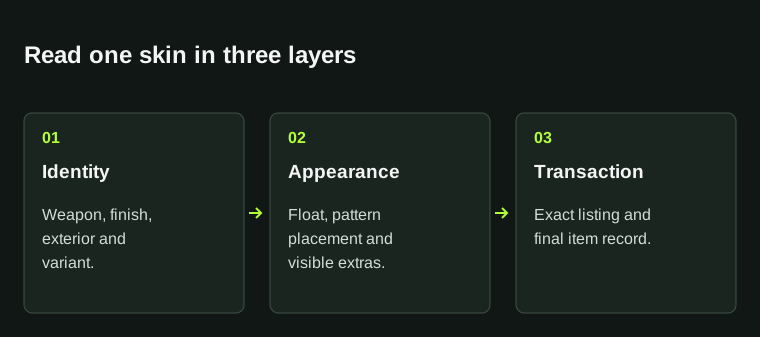
Start with the complete item, not the decimal
Match the weapon, finish and exterior label before comparing numbers. Keep StatTrak or Souvenir in the record when it is part of the item name. A decimal from another weapon or finish is not a like-for-like alternative.
Make a short comparison record for the two listings you are considering. Write the displayed value exactly, rather than rounding it to two digits, and keep the original listing reference with it. This makes a later mismatch easier to explain.
02
Float and pattern answer different questions
Float is the numeric wear value. The paint seed controls pattern placement; it is not a second wear score. A finish identifier, often called paint index in item data, is a third field. CSFloat documents these separately, so keep them in separate columns.
For a finish where colour placement matters, look at the actual item as well as its number. A higher or lower seed is not a general better-or-worse scale. Decide what appearance you want before choosing the record that matches it.
Three fields, three different meanings
Float
The item’s numeric wear value.
Paint seed
The pattern-placement identifier.
Paint index
The identifier for the finish in item data.
Keep these fields separate in your listing record.
StrikePot illustration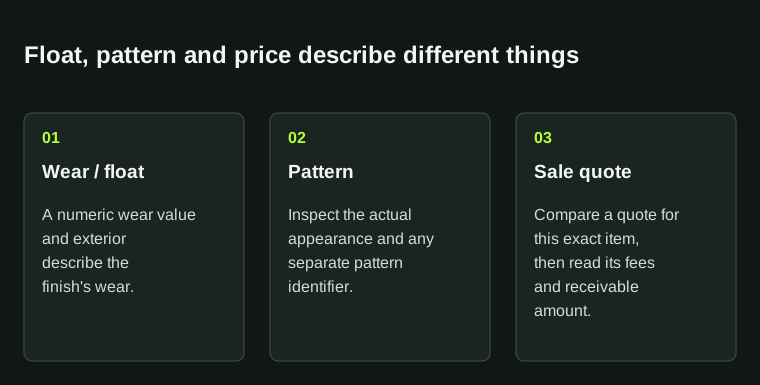
A float value is not a complete pattern description or a cashout price. Inspect the individual item and compare matching quotes.
03
Use wear bands as a reference, then read the item label
CSFloat’s published item-data analysis uses the bands below. At a boundary, use the exact value and exterior label supplied for the actual item; a rounded screenshot can hide which side of a cut-off it falls on.
The cited Valve creator guide prints different upper cut-offs for Field-Tested and Well-Worn. It is a finish-authoring reference, not a reason to override the live item’s label. Some finishes also have narrower possible wear ranges.
| Factory New | 0.00–0.07 |
|---|---|
| Minimal Wear | 0.07–0.15 |
| Field-Tested | 0.15–0.38 |
| Well-Worn | 0.38–0.45 |
| Battle-Scarred | 0.45–1.00 |
04
Compare the same surfaces in the inspect view
Valve’s finish documentation separates wear amount from the placement of scratches and grime. Even equal wear amounts can produce different visible marks. Check the surfaces you care about instead of choosing solely from the smallest decimal.
Use a similar viewing angle for both candidates. Look at the same body panels, edges and pattern area. A bright promotional picture and a dark inventory thumbnail are poor substitutes for inspecting the two actual items.
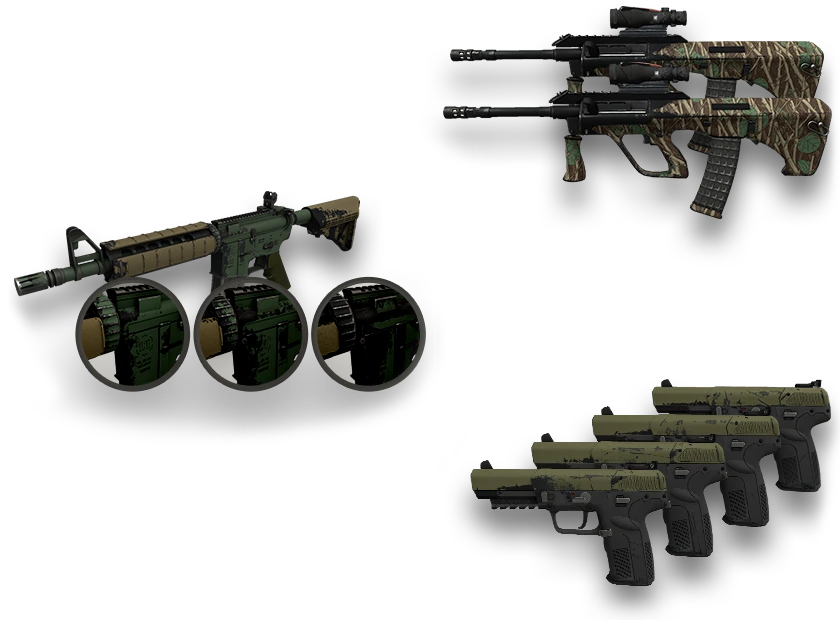
Valve’s finish-authoring illustration: wear amount and the position of visible marks are separate parts of appearance. The image is a reference example, not either listing in your comparison.
Open the full-size image to read small interface details.05
Keep the comparison small and concrete
Suppose two listings share a weapon, finish and exterior. One has the pattern placement you prefer; the other only has a slightly lower float. Record that difference in words before looking at their prices. There is no need to invent a pattern premium to explain a visual preference.
Check applied stickers and any listed accessories separately. A condition label describes the weapon finish; it does not summarise every visible addition. Use the sticker guide when comparing crafts.
Compare the same evidence
Identity
Weapon, finish, exterior and variant.
Appearance
Matching surfaces, pattern area and added stickers.
Transaction
Exact listing reference and final item.
Use a short record instead of treating one decimal as the whole item.
StrikePot illustration06
Match the item again before judging the quote
Save the exact listing and compare the final delivered item with that record. If a number, variant or visible feature differs, pause and ask about that specific difference rather than accepting a similar-looking substitute.
For a sale, compare the amount you would actually receive in the same currency, after the applicable deductions. Float and pattern identify parts of the item; neither is a live cash quote or a promise that someone will buy it.
BEFORE YOU CONTINUE
Quick checklist
- Match weapon, finish, exterior and variant.
- Record float, paint seed and finish identifier separately.
- Inspect the same surfaces on both items.
- Keep the listing reference and compare the final delivered item.
Official sources
Official documentation reviewed on 27 October 2026. Historical creator examples are labelled in their captions.
Keep exploring skins & trading
Find practical guides for inspecting CS2 skins, understanding Rust cosmetics and comparing TF2 items.