THE QUICK ANSWER
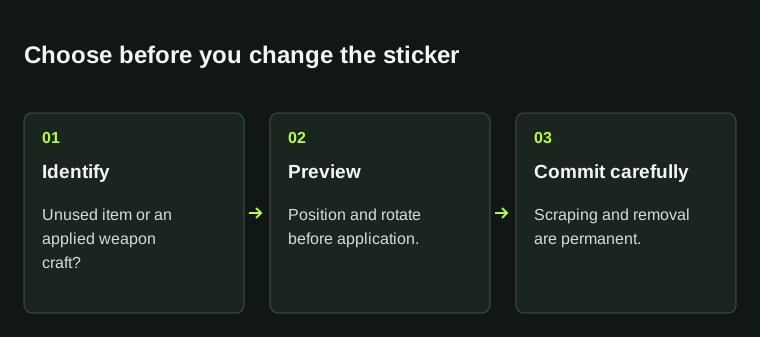
An applied sticker is part of the weapon’s craft. It cannot be moved after application; scraping and removal are permanent, and removal does not return an unused sticker.
01
Are you buying a sticker or a stickered weapon?
An unused sticker is its own item. A weapon with that sticker applied is a different purchase: the visible design is attached to the weapon, not supplied as another unused copy. Read the complete listing name before comparing prices.
Decide which result you want. An unused sticker makes sense when you want to choose its weapon and placement; a finished craft should be judged by its actual layout. Do not add the full unused-sticker price to a weapon and call that a guaranteed resale value.
Choose the item you actually want
Unused sticker
A separate item available for application.
Applied craft
A weapon carrying a particular layout.
Comparison
Keep those two listing types separate.
An applied design is not another unused copy in the purchase.
StrikePot illustration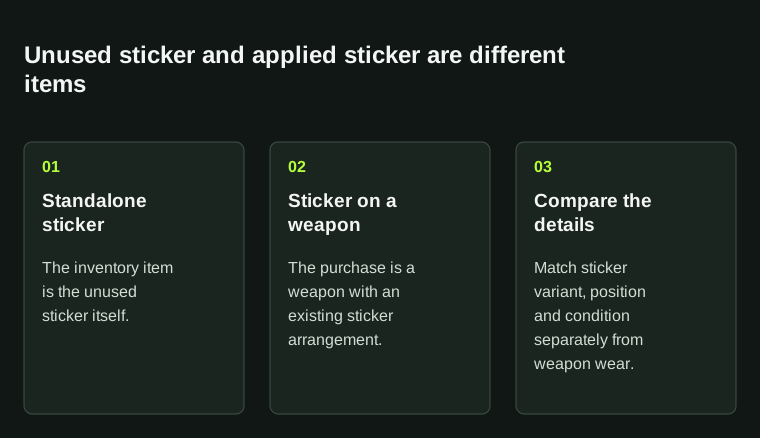
Do not compare the price of an unused sticker directly with a weapon carrying it. Check the actual item and craft details.
02
Match the full variant and view the whole craft
Read the complete sticker name and visual variant, then inspect the actual weapon. Valve’s creator guide describes several material treatments, including paper-backed, foil and holographic effects. A small thumbnail can hide differences that appear under lighting.
Check the visible layout from the angles that matter to you. Look for an overlapping design, a partly hidden edge or a scraped area before assuming the seller’s description matches what you expect.
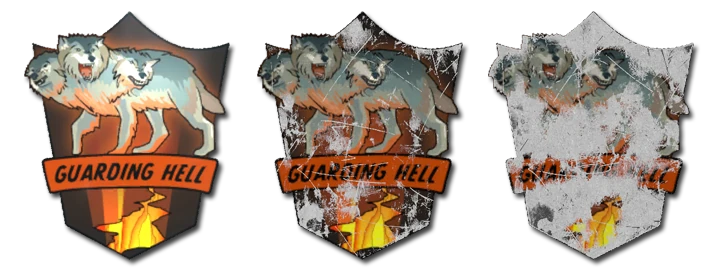
Valve’s creator illustration shows three wear examples on a paper-backed sticker. These are illustrative material states, not a price comparison or three live listings.
Open the full-size image to read small interface details.03
Position and rotate before applying
Steam’s CS2 sticker FAQ permits up to five stickers on a weapon and says position and rotation can be adjusted before application. Use that preview to check the whole layout before committing the unused sticker.
After application, the sticker cannot be moved. If a craft needs a precise arrangement, check it while the preview is still open rather than planning to reposition it later. Keep unused and already-applied items separate in your inventory record.
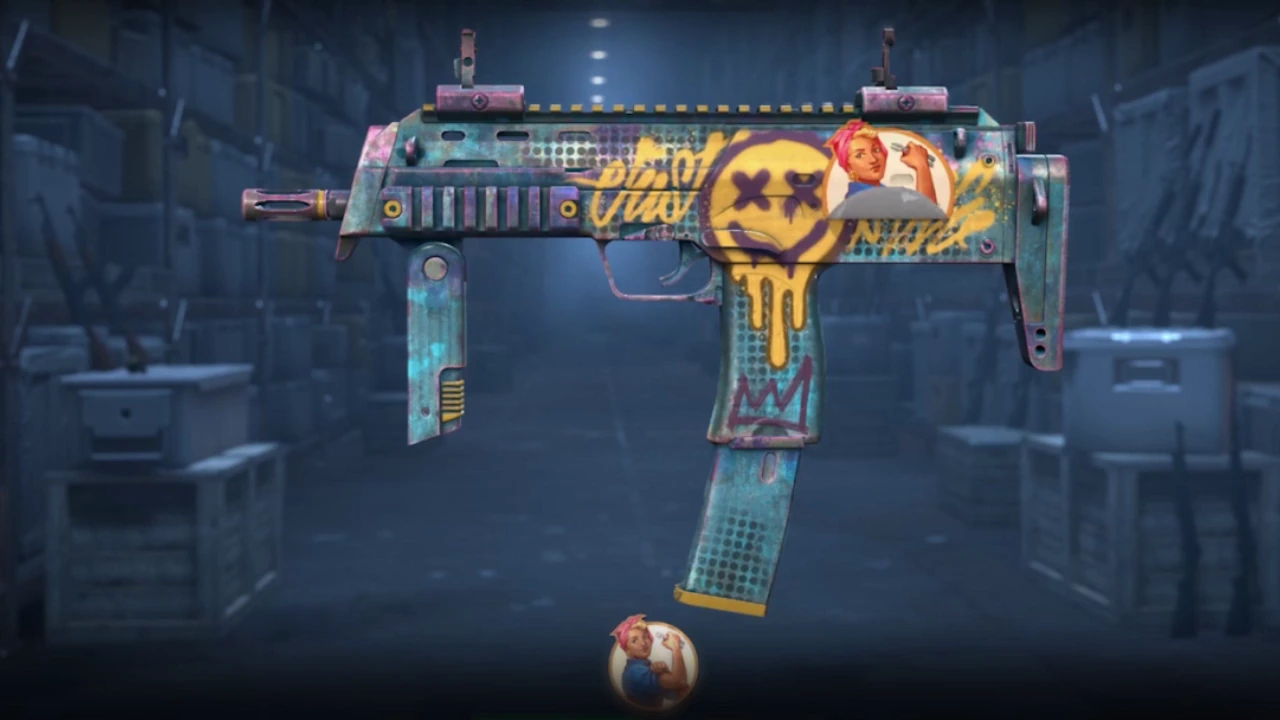
Historical frame from Valve’s Call to Arms demonstration: the sticker is still being positioned in the application preview. It illustrates the stage before application, not a current account screenshot.
Open the full-size image to read small interface details.04
Scraping changes the sticker permanently
To change an applied sticker’s appearance, the FAQ describes left-clicking the weapon in the CS2 Inventory, choosing Scrape Sticker and adjusting the scrape slider. Scraping cannot be undone.
Heavily scraped stickers may become faint or leave only an outline. That is a documented reason an applied sticker can seem missing in the inspect view. Compare the whole design before treating it as a rendering error or scraping it further.
Paper-backed sticker wear: three illustrative stages from Valve’s Sticker Creation Guide.
Open the full-size image to read small interface details.05
Removal does not return an unused sticker
Remove Sticker permanently removes the applied sticker, and it does not return to your Inventory. This is different from moving it to another position or recovering it for sale.
If your only goal is to understand a purchased craft, inspection is enough. Do not choose scraping or removal just to test what the sticker is. Keep a record of the original layout if you are preparing a support question about delivery.
Check the consequence before changing a craft
Before applying
Position and rotate in the preview.
Scrape Sticker
Appearance changes are permanent.
Remove Sticker
The sticker is removed without returning to inventory.
Use inspect when you only need to identify the craft.
StrikePot illustration06
Compare similar crafts and match delivery
For unused stickers, compare the exact item and variant. For stickered weapons, compare the base weapon, finish, visible layout and sticker condition together. Two weapons with the same exterior label can still have noticeably different crafts.
Save the listing reference and compare the delivered weapon with it. Ask about a specific missing or different sticker rather than relying on a broad statement that the craft was worth a certain amount.
BEFORE YOU CONTINUE
Quick checklist
- Identify an unused sticker or an already decorated weapon.
- Read the exact visual variant and inspect its layout.
- Finish positioning before applying.
- Treat scraping and removal as permanent changes.
Official sources
Official documentation reviewed on 27 October 2026. Historical creator examples are labelled in their captions.
- Steam Support — CS2 Stickers · reviewed
- Valve — Sticker Creation Guide: materials and wear · reviewed
- Valve — Call to Arms sticker-placement demonstration · reviewed
Keep exploring skins & trading
Find practical guides for inspecting CS2 skins, understanding Rust cosmetics and comparing TF2 items.