THE QUICK ANSWER
Keep the information needed to explain the problem, then check the exported image for secrets. Share ownership or identity evidence only through the verified private support form that requests it.
01
Keep the useful evidence
- The relevant status or error text.
- The item or order being discussed.
- A timestamp when it helps explain the sequence.
- Only the reference that the verified support channel needs.
02
Hide secrets and unrelated details
- Passwords, sign-in codes, recovery codes and secret keys.
- Full payment-card details and unrelated purchase history.
- Private conversations, email addresses or other people’s details that are not needed.
- Trade-link tokens or ticket-access links when the recipient does not require them.
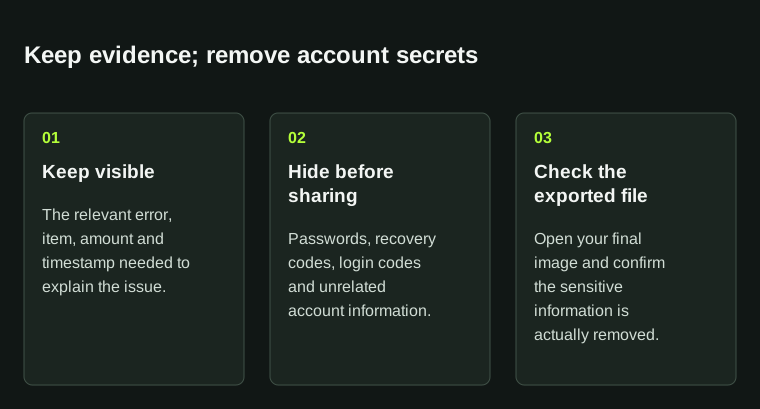
Crop or redact the exported image itself. Send identity documents only through the confirmed verification channel.
03
Check where you are sending it
Steam’s account-ownership documentation shows why even ordinary-looking purchase references can be sensitive during recovery. Protect ownership evidence as carefully as other private account records.
For a public post, remove details that only support needs. If an official private form requests identity or ownership evidence, follow that form’s instructions and submit it through that verified channel.
04
Check the saved image
Open the exported image and inspect it again. Use a solid redaction that fully hides the text, and make sure the remaining image still explains the issue. Keep the original privately in case verified support needs more detail.
BEFORE YOU CONTINUE
Quick checklist
- The recipient is verified.
- Secrets and unrelated details are removed.
- The remaining screenshot still explains the issue.
Official sources
Read the official documents below for the service’s rules and account instructions.
The redaction checklist is original editorial guidance. The official reference explains the sensitivity of account-ownership evidence.