
THE QUICK ANSWER
Get the link from your own Steam account, then check the recipient and items separately before accepting any trade.
01
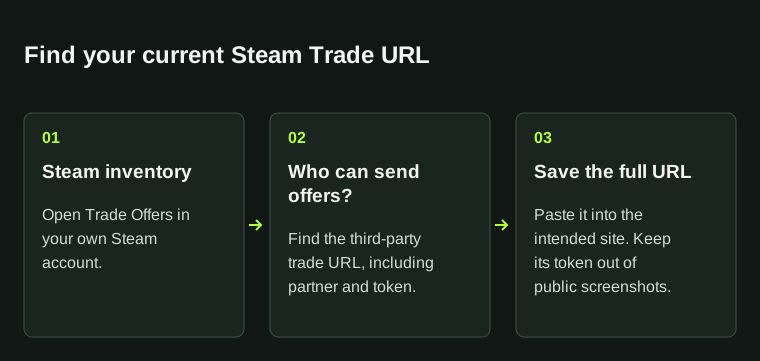
Open Steam’s trade-offer page
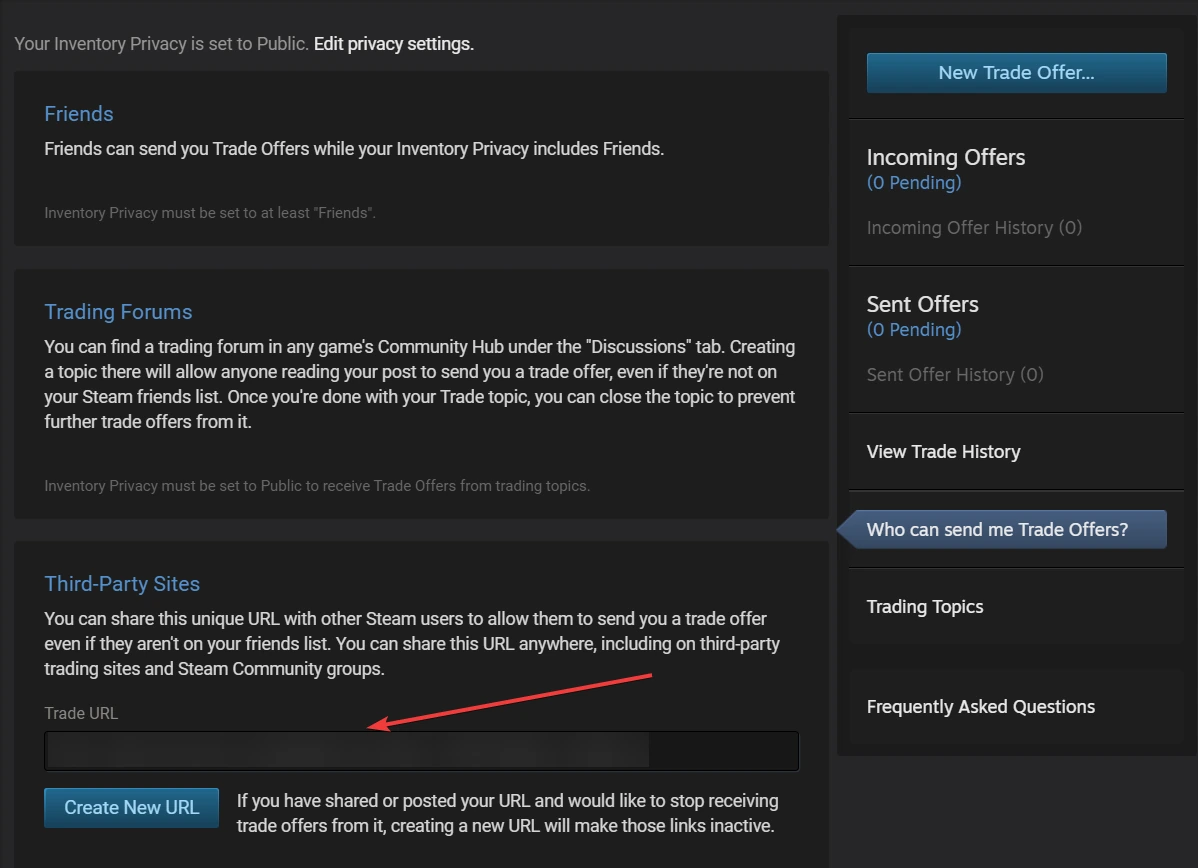
Open the official trade-offer privacy page below. Steam’s trading help links to it under “I need my Steam Trade URL.” Sign in if requested, after checking that the address is on steamcommunity.com.
Copy the Trade URL under Third-Party Sites. You do not need to give another person your password or authentication code to find it.
The trade URL identifies where offers can be sent. Copy the complete address; sharing it does not accept an offer.
02
Copy and check the full link
- Make sure you are viewing the Steam account whose inventory you intend to use.
- Copy the complete trade link from Steam, keeping its parameters intact.
- If a service rejects the link, compare its saved value with the one Steam currently displays.
- Record the error text before changing settings or opening another ticket.
03
Check each trade before accepting
A Trade URL lets someone send an offer; it does not accept that offer for you. Before confirming, inspect the recipient and the actual items. Names and logos can be copied, so compare the account with the recipient expected by the service.
Hide the link’s personal token in public screenshots. Include the full link in a private support request only when it is needed to investigate the problem.
04
Trade URL or SteamID?
Use a Trade URL when a service needs to send you an offer. Use your SteamID when support needs to identify the account. Steam’s offer FAQ and account-name article explain these separate purposes.
If a website has linked the wrong account, compare its account identifiers first. Replacing a trade link does not show that an order or balance has moved to another account; ask the service about its linking policy.
BEFORE YOU CONTINUE
Quick checklist
- The page is on steamcommunity.com.
- The correct Steam account is signed in.
- The copied value matches the page, including its parameters.
Official sources
Read the official documents below for the service’s rules and account instructions.