
THE QUICK ANSWER
If you can sign in, review Authorized Devices and sign out everywhere if anything looks wrong. If you cannot, start Steam’s account-recovery process before investigating an unexpected trade.
01
Secure Steam and your email
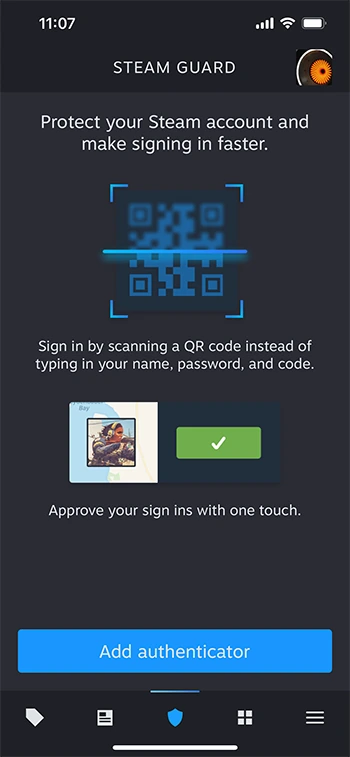
Valve recommends checking Authorized Devices, using Sign out everywhere if anything looks wrong, changing your Steam password, reviewing the linked email account and scanning for malicious software or extensions. Open Steam and your email provider directly to make these checks.
If access is lost, open Steam Support’s stolen-account recovery page. Use that process; do not pay someone who contacts you in chat and promises to recover the account.
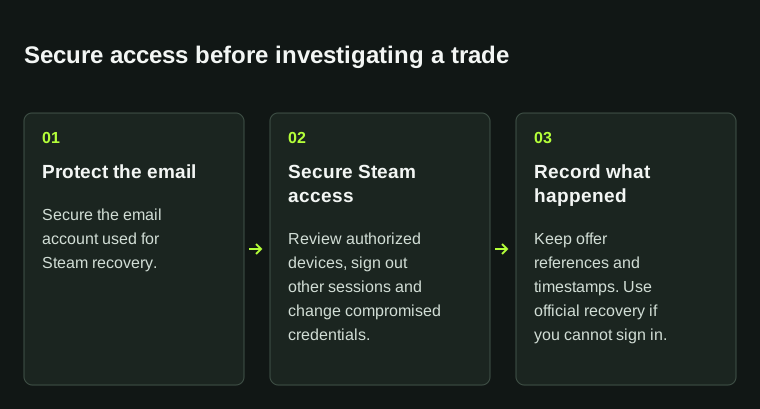
Account access and transaction investigation are separate tasks. Secure access first, then preserve the transaction record.
02
Write down what happened
- The first unexpected event and when it occurred.
- Any unfamiliar device, profile change or trade reference.
- The website or message you interacted with just before the issue.
- Which security checks you have already completed.
03
Follow up on the account and the trade
Keep account access, missing items and a service’s order or balance as separate questions. Steam handles Steam account recovery; the other service handles its own records. Save a reference for each issue.
If a recent CS2 trade is involved, read Steam’s Trade Protection documentation before acting. Recovery options depend on the item and transaction; do not assume they apply to every completed trade.
BEFORE YOU CONTINUE
Quick checklist
- Use official account recovery.
- Review linked email security.
- Preserve incident references without publishing secrets.
Official sources
Read the official documents below for the service’s rules and account instructions.