Open the official event, then the individual game
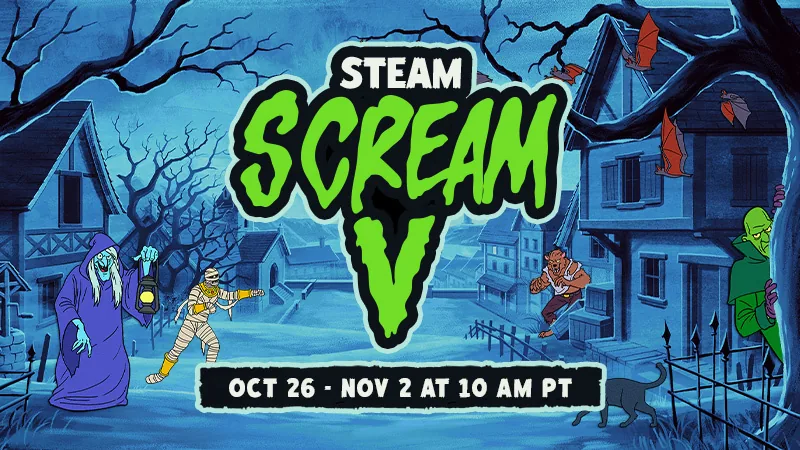
Valve’s October 26 announcement links to the Steam Scream event page and gives the November 2 end time. Browse the games there, then open the title you actually want rather than treating an event banner as the complete purchase description.
Keep the edition and total price together
Check whether you selected the base game, a bundle or an add-on. Read the supported platform, system requirements and local checkout total. A large percentage on one edition does not explain what another edition contains.
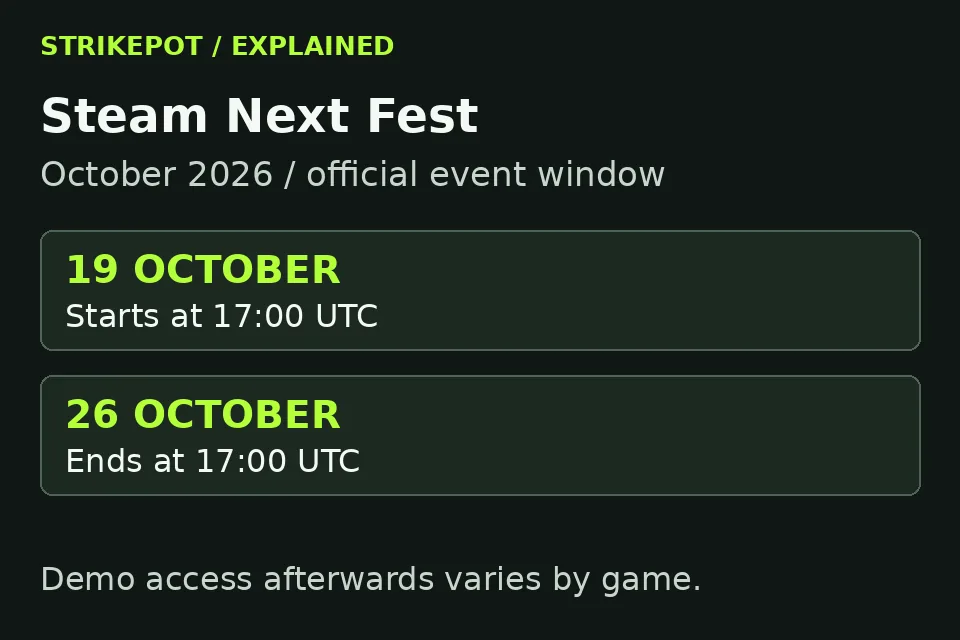
If you only want to try a game, look for its own available demo. Do not assume that a festival tile provides the full game or that a demo left from Next Fest is still available.
Use the deadline for the offer you are reading
Keep the game page’s own end notice with your comparison. This article records the event deadline; it does not quote live regional prices or promise a discount on every title. Save a game for later if its contents or compatibility are still unclear.