THE QUICK ANSWER
A family library can contain several copies with different DLC. Keep the copy used for your save in view; another available copy may not provide the same content.
01
Separate shared access from ownership
Valve’s current Steam Families FAQ says ownership remains with the purchaser. Family members can access eligible games while keeping individual accounts, achievements and game-dependent saves. Steamworks describes a shared license as temporary access rather than permanent ownership.
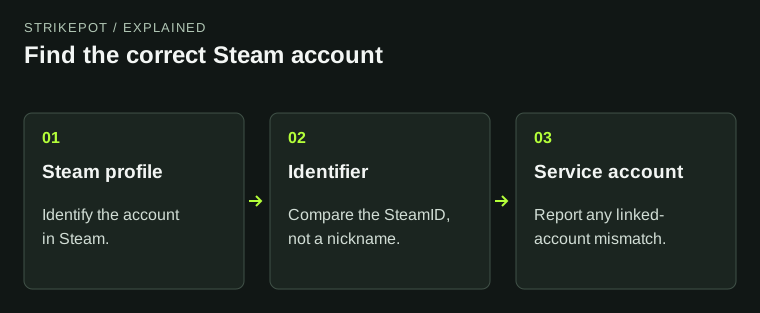
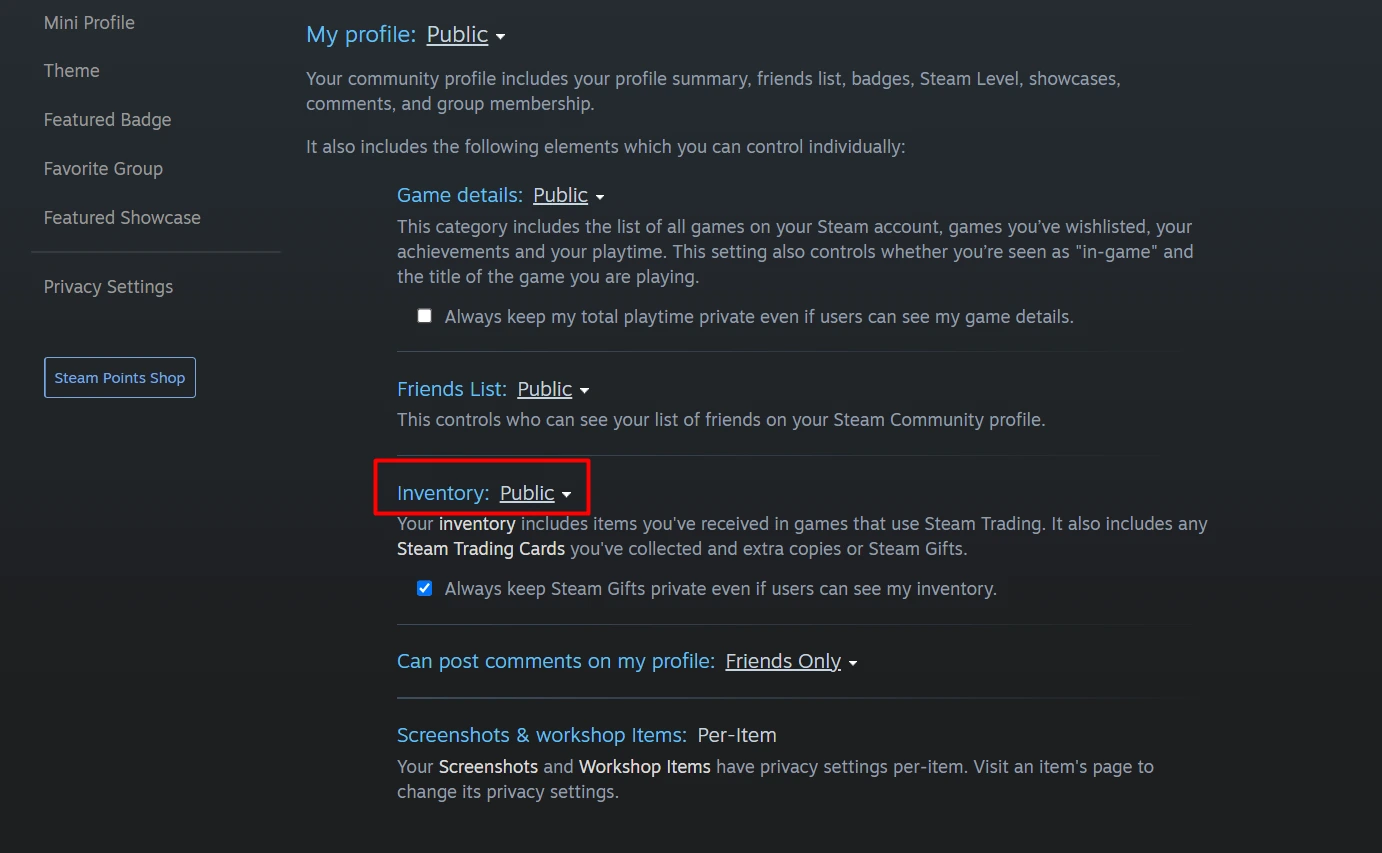
Do not use a family Library entry as evidence that a game, DLC or inventory item was transferred to your account. For an account-specific item question, compare the item inventory and the relevant entitlement directly.
Two family copies can contain different DLC
Copy A
The DLC set used by the desired save.
Copy B
An available copy with a different add-on set.
Before switching
Check the game’s save compatibility and preserve progress.
Original fictional A/B comparison. It does not assert that any particular DLC is shareable.
Original explanation · not an account screenshot02
Compare the copies and their DLC
When several family members own a title, Valve says Steam can ask which copy you want and remember that choice. Launching another member’s copy provides the DLC that member owns and that its publisher allows to be shared.
If the selected copy is in use, Steam can use another copy with identical DLC. If only a different DLC set is available, it may ask about switching. Record which copy and add-ons you used for the save you intend to continue.
| Copy used for the desired save | Record the owner alias and DLC set if known. |
|---|---|
| Available alternate copy | Compare its shareable DLC before launching. |
| Different DLC set | Check save compatibility with the game’s instructions. |
03
Preserve the desired progress before a DLC change
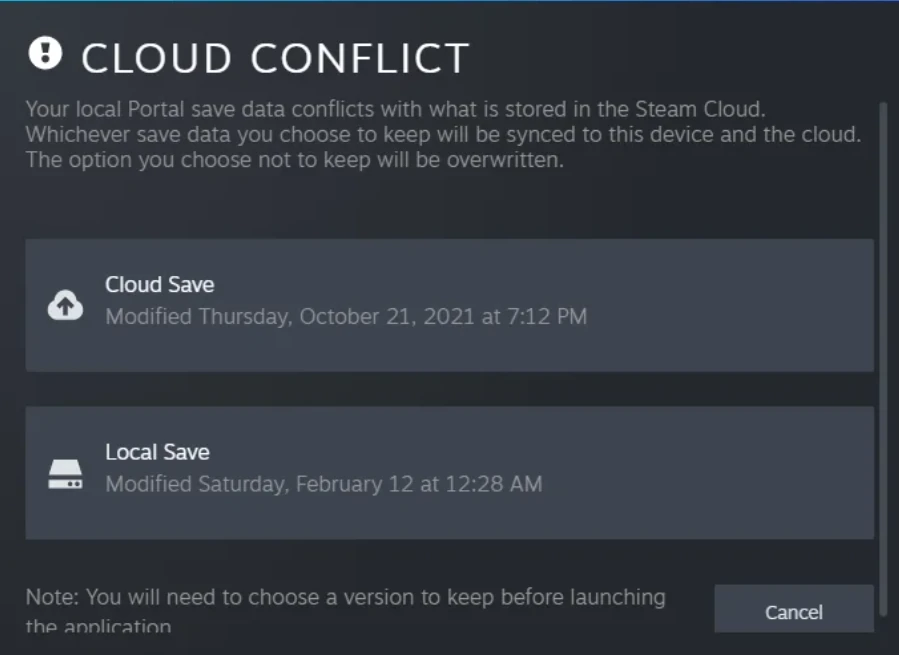
Valve explicitly warns that saves may or may not work when switching between copies with different DLC sets. That is a game-specific compatibility question, not simply a Steam download problem.
Before switching an important campaign, identify its save and keep a separate copy using the developer’s instructions. If the DLC set for the old save is unknown, pause and establish it rather than launching repeatedly across copies. A successful game start does not prove every part of the desired save is compatible.
Why is a shared game unavailable?
Eligible copies in use
Wait or use another available eligible copy.
DLC set differs
Compare content and save requirements.
Sharing exclusion
Read the title’s eligibility reason.
Original availability aid based on the current Families FAQ, not a family-management screen.
Original explanation · not an account screenshot04
Read the reason when a title is unavailable
The current FAQ excludes free-to-play games and their purchased DLC, owner-marked private games, certain third-party account/subscription titles, and content limited by region or operating system. Publishers can also exclude titles from sharing.
Save the unavailable message, selected game copy and observation time. Distinguish “all eligible copies are in use” from “this title is not shareable.” Steam Families is intended for a household. Tie a purchase or inventory problem to the account that actually owns the entitlement.
BEFORE YOU CONTINUE
Quick checklist
- Identify shared access versus your own ownership.
- Record the selected copy and shareable DLC.
- Protect the desired save before changing DLC sets.
- Use the exact availability or eligibility message.
Official sources
Public Valve documentation reviewed on 26 October 2026 (America/Toronto).
- Steam Support — Steam Families User Guide & FAQ · reviewed
- Valve Steamworks — Steam Families · reviewed
The public FAQ was read from the complete embedded data-faqstore article in Steam Support HTML. Procedures are documented guidance; no account sign-in, client operation, security change or transaction was performed. Examples and decision aids are original editorial explanations.