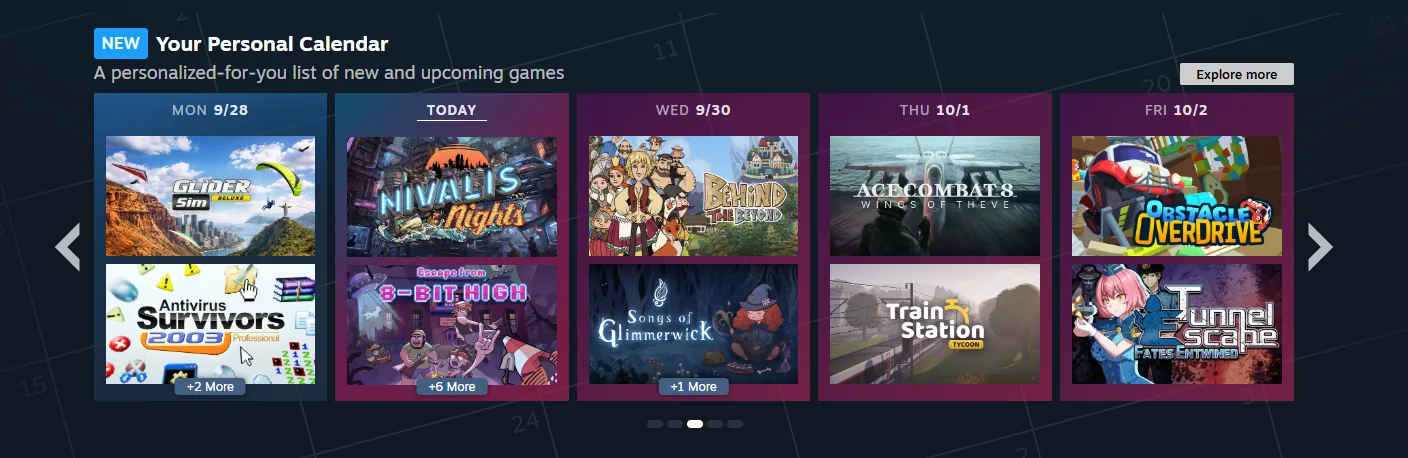
Open the calendar for your own account
The dedicated Personal Calendar page lets you browse releases by day and open the game that interests you. Valve also shows a smaller calendar on the Store homepage. A friend may see different recommendations because each calendar is personalised.
Use the filters to narrow the view
Valve’s release announcement highlights filters and display options for wishlisted games, Early Access titles and DLC. Use them to answer a specific question, such as what is approaching release or which add-on belongs to a game you already own.
The dedicated page covers eight weeks. Steamworks says demos do not appear and DLC is shown only to owners of its base game; use a demo’s own store page when that is what you are looking for.
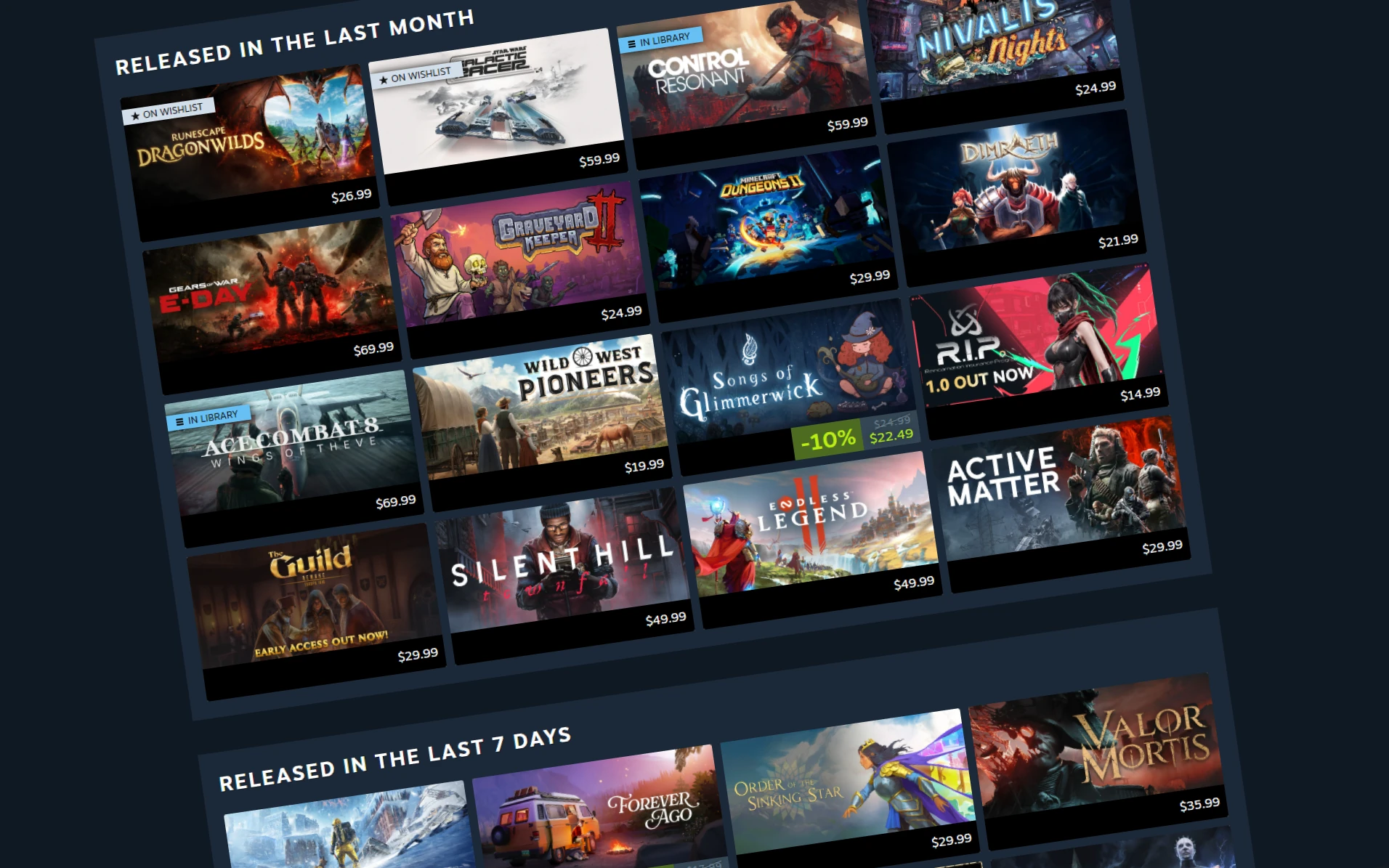
Valve’s example dedicated calendar view groups releases by time window. The pictured games and prices belong to the published illustration, not current quotes collected by StrikePot.
Open the full-size image to read small interface details.Read it as discovery, not a release guarantee
Valve says placement is automatic and personalised, rather than paid or manually curated. The model is refreshed daily, but the company does not promise that your visible recommendations will change every day.
Open the game page to confirm its current release information, edition and requirements. A recommendation is a way to find a title, not a reason to skip those checks.