THE QUICK ANSWER
Compare the outgoing skin and the exact replacement together. A cash sale amount and a swap credit are different inputs, even when both screens show a dollar symbol.
01
Start with the skin you want to end up with
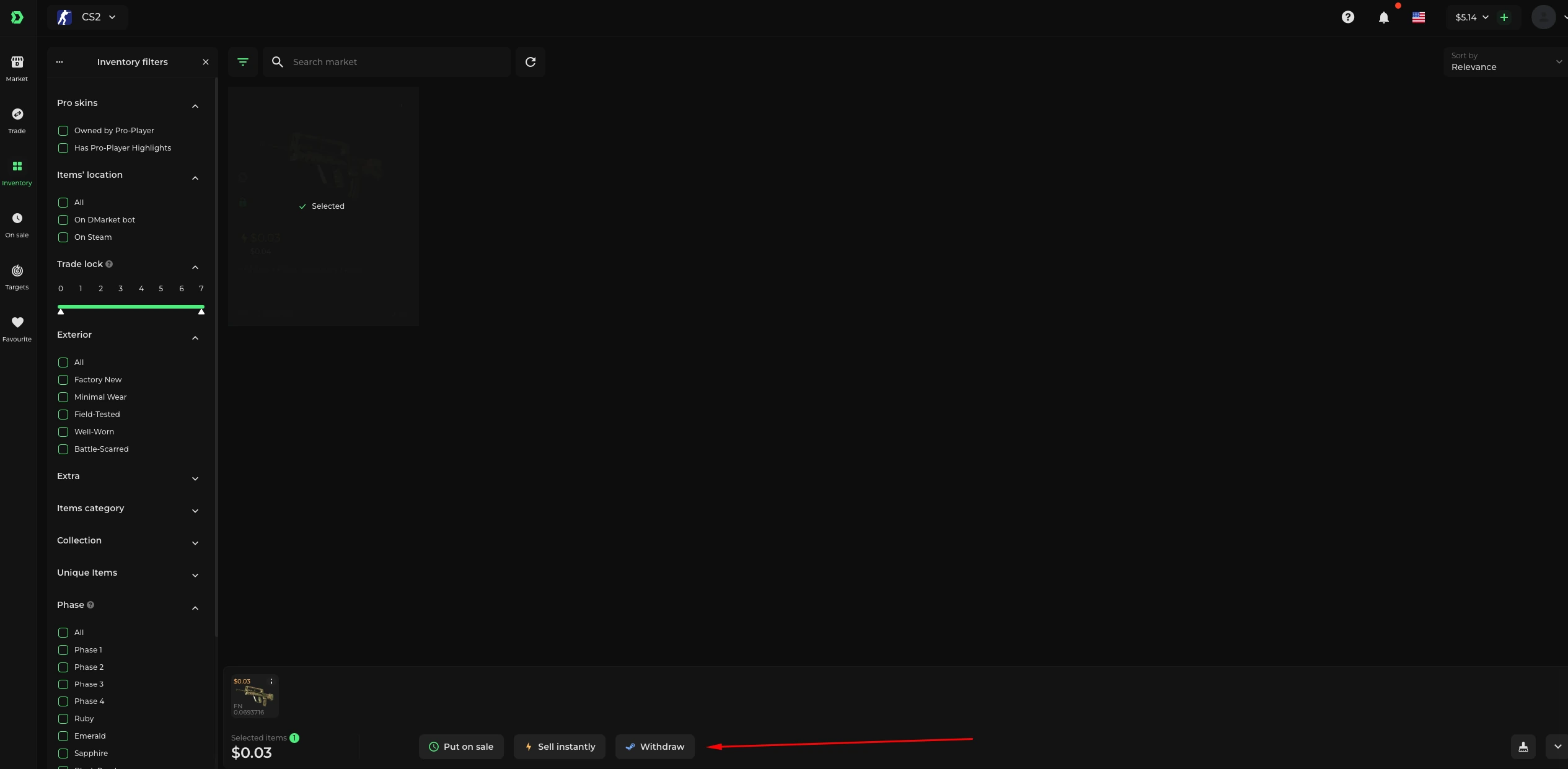
Replacing a skin is a two-sided task: one item leaves and another arrives. SkinSwap documents buying, selling and swapping as separate choices. DMarket's Trade flow selects outgoing items on one side and receiving items on the other, with any price difference added to or taken from account balance.
A separate sale followed by a purchase can cross services and payment systems. That gives you a different sequence to assess. The first sale does not reserve a replacement listing or confirm that its price will remain available.
Compare the same final loadout
Swap route
Outgoing skin + quoted difference → exact replacement
Sale route
Outgoing skin → usable proceeds → separate replacement purchase
Match the endpoint
Same finish, wear and extras; record any balance left over
A replacement comparison follows both items. Figures must come from current quotes.
Original explanation · not an account screenshot02
Compare the end position, not the largest intermediate number
| Direct exchange | Compare the exact outgoing and receiving items plus any balance difference shown in the exchange. |
|---|---|
| Sell then buy on one balance | Check the net sale proceeds, when they can be spent and the replacement's current asking price. |
| Sell on one service, buy elsewhere | Include the payout stage and the new checkout; confirm both receiving currencies and usable methods. |
| DMarket unequal exchange | Its help says the difference moves to or from balance; insufficient balance requires a top-up. |
| Steam receipt | A replacement shown in a website inventory may still need a separate item-withdrawal request and an eligible Steam transfer. |
| SkinSwap P2P replacement fails | Its Trade help says the refund returns to SkinSwap balance and the original outgoing skin is not returned. |
03
Write a replacement worksheet
Use the same outgoing item and the same replacement specification in every row. Include wear, special type, pattern or applied stickers when they matter. If the exact replacement is unavailable on one route, label it unavailable instead of silently substituting a cheaper variant.
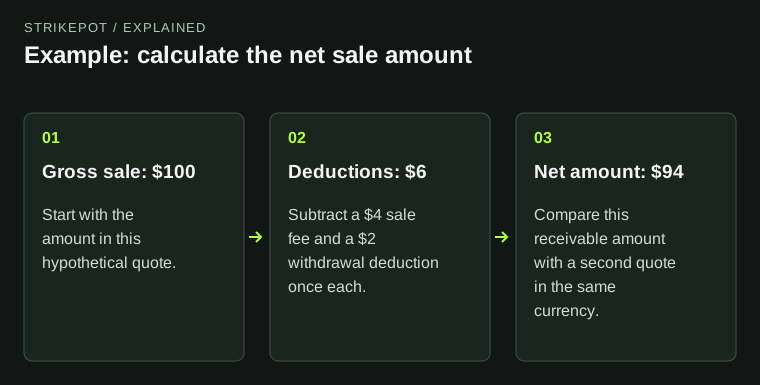
For a purely hypothetical worksheet, route A could require an outgoing item plus 4 units; route B could produce 96 usable units and a replacement could cost 100. Both leave a four-unit gap before other conditions. The example shows how to compare the entire exchange; it is not a current valuation or a claim that the routes have equal costs.
- Outgoing item and identifier
- Exact replacement and availability
- Additional amount payable or balance left over
- Where remaining balance can be used
- Any release, payout or item-delivery condition
Can the leftover balance fund the next item?
Regular available funds
Read the current spending and withdrawal options.
Protected CS2 Tradable balance
CS2 Market purchases only during protection; other-game and Target purchases excluded.
Different service
Add the payout and new checkout stages before treating funds as ready.
The protected-balance branch summarizes DMarket's named balance rule, not every platform's credit system.
Original explanation · not an account screenshot04
Check the kind of leftover balance
DMarket's current Tradable balance explanation says protected CS2 sale or exchange funds can buy CS2 Market items, but cannot pay for other games or Target purchases while protection remains active. This is a concrete reason to check a leftover balance before planning the second half of an exchange.
Do not assume a service's swap value can be withdrawn as cash at the same figure. Record what the quoted operation actually returns: a replacement item, usable account credit or eligible payout proceeds.
The refund form also matters. SkinSwap's September 2026 Trade help says that when you trade your own skin for a P2P item and the seller fails, you receive a balance refund rather than your original skin. Check the receiving item's Instant or P2P label before giving up an item you would need back if delivery failed.
05
Compare before sending the outgoing skin
- Save the exact replacement's listing or item details.
- Record a complete exchange quote and, separately, a complete sale-plus-purchase route.
- Check which intermediate funds can be spent or withdrawn.
- Read the final item and additional-payment details before authorizing the chosen operation.
BEFORE YOU CONTINUE
Quick checklist
- Use one exact replacement specification.
- Include the balance difference and any extra payment.
- Check whether leftover credit is spendable or withdrawable.
- Verify the receiving item separately from website credit.
Official sources
Official public documentation reviewed on 26 October 2026 (America/Toronto). Publication dates and source-access limits are recorded below.
- SkinSwap — buy, sell and swap overview · reviewed
- SkinSwap — Instant/P2P replacement delivery and balance refunds (24 September 2026) · reviewed
- DMarket — Trade items (updated 24 August 2026) · reviewed
- DMarket — Tradable balance (updated 31 August 2026) · reviewed
- Skinport — purchase and later Steam delivery · reviewed
Current SkinSwap and DMarket public descriptions were readable. DMarket's Trade and Tradable balance articles are dated August 2026. Skinport's older buying guide is cited only for the purchase-versus-Steam-delivery distinction. No exchange quote, item deposit, sale, replacement purchase or payout was performed. The worksheet does not estimate prices or recommend a transaction.