THE QUICK ANSWER
A genuine OpenID sign-in returns your SteamID to the website. It is an account-identification step, not a substitute for reviewing a trade offer.
01
Understand the sign-in flow
Valve documents Steam as an OpenID provider: a website sends your browser to Steam Community, Steam authenticates the account, and the browser returns to the website with data it can verify to obtain your SteamID. The website can use that ID to create or link its own account.
Before using a sign-in button, open the website through its established address and decide whether you intend to link this Steam account to it. A genuine Steam sign-in does not establish that the website’s business, prices or support promises are reliable.
Identity travels through a redirect
Website
Requests Steam account identification.
Steam Community
Authenticates the account on Steam’s domain.
Website return
Verifies the response and associates the SteamID.
Original conceptual OpenID flow; no login form, QR code or active return URL is shown.
Original explanation · not an account screenshot02
Check the browser’s actual Steam address
Valve’s documented OpenID endpoint is https://steamcommunity.com/openid/. Its security guidance says never to enter Steam credentials on a third-party website. Read the browser’s address, not an address painted inside the page or a screenshot of a sign-in window.
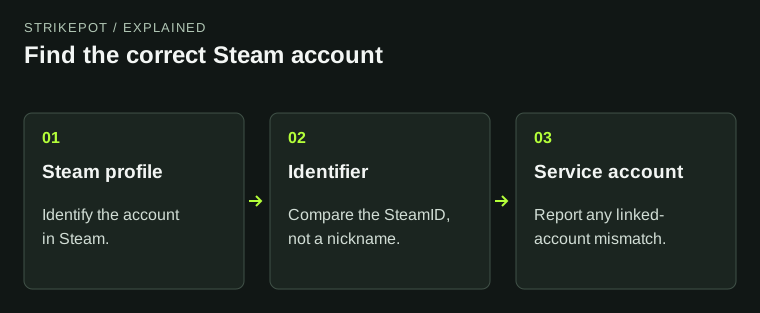
Compare the account shown before continuing. If a second browser profile is signed into a different Steam account, the website can link that different SteamID. Save the intended profile reference and the website’s linked ID when investigating a mismatch; the existing SteamID guide explains the comparison.
- Start from the website you intended to use.
- Check that the Steam authentication page is on the genuine Steam Community domain.
- Check the Steam account being identified and the destination website.
- After returning, compare the website’s linked account before starting an order or transfer.
03
Separate identity, visibility and item movement
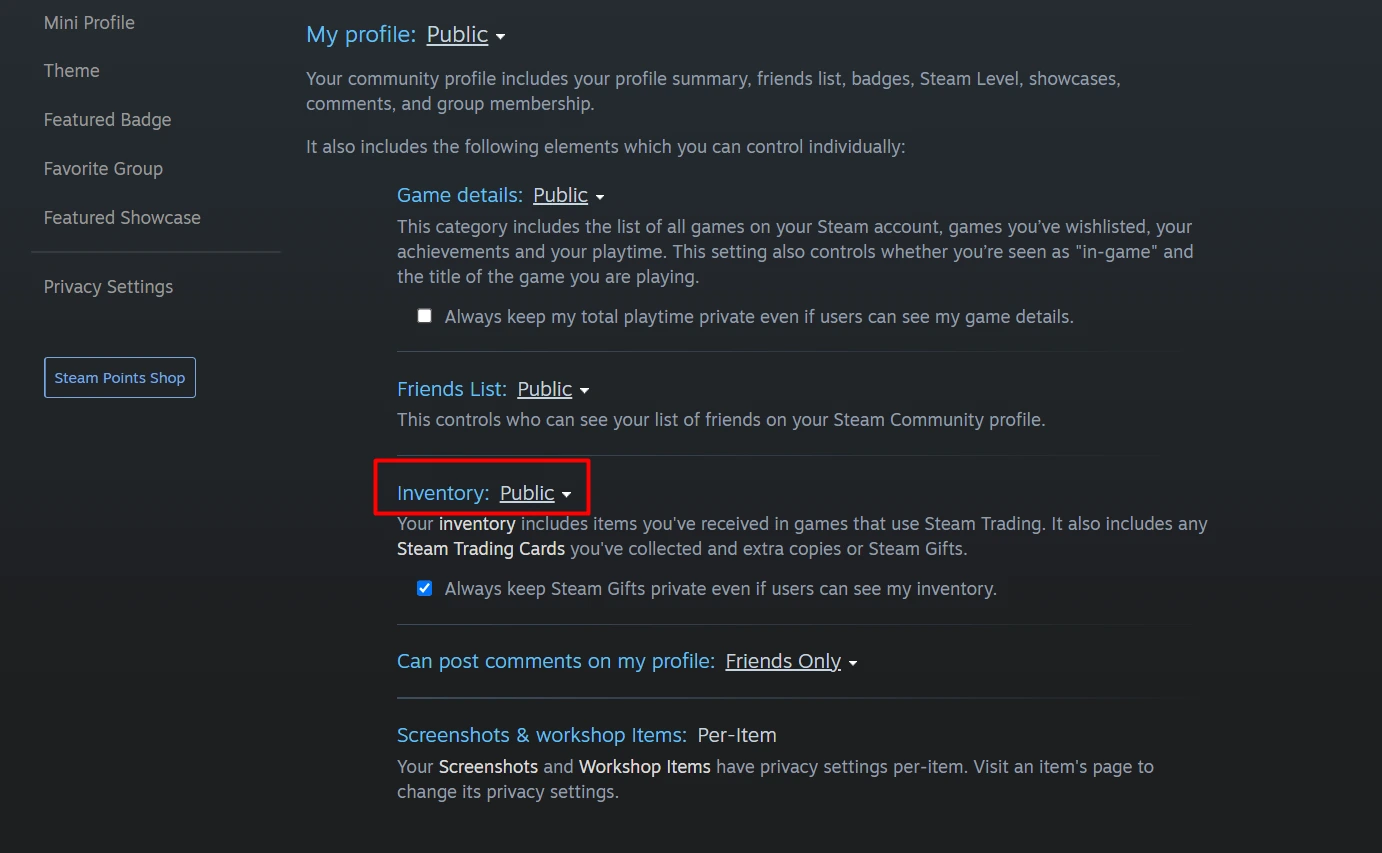
OpenID identifies an account. Inventory privacy determines which inventory information another service can see. A Trade URL gives a route for offers, and a trade confirmation authorizes a particular exchange. Keep those steps distinct when a service asks for several of them.
For example, signing in successfully while the website shows no eligible items does not prove that Steam authentication failed. Check the linked account, inventory visibility and the service’s item rules in that order. Creating a Web API key is not part of Valve’s documented user OpenID sign-in flow.
Three different questions
Which account?
OpenID and the linked SteamID.
Which items can be seen?
Inventory privacy and service eligibility.
Which items move?
The specific Steam trade and its confirmation.
Original explanation of separate identity, visibility and trade checks.
Original explanation · not an account screenshot| OpenID return | Identifies the Steam account to the website. |
|---|---|
| Inventory view | Depends on the relevant visibility and service rules. |
| Trade offer | Has its own recipient, items, state and confirmation. |
04
If the prompt requests something different
Stop if a supposed sign-in asks you to send a password, current authenticator code or recovery code to another person. If you already entered credentials on a false page or approved an unexpected login, use the compromised-account guide.
Keep the public website address and the time of the unexpected prompt for a report. Do not copy session cookies, authentication return data or access tokens into public evidence. A branded button is easy to copy; the actual domain and requested action are what you can check.
BEFORE YOU CONTINUE
Quick checklist
- Check the genuine Steam Community domain.
- Identify the Steam account and intended destination.
- Compare the linked SteamID after return.
- Review any later trade as a separate action.
Official sources
Public Valve documentation reviewed on 26 October 2026 (America/Toronto).
- Valve Steamworks — User Authentication and Ownership · reviewed
- Steam Support — Account Security Recommendations · reviewed
- Steam Support — Steam Trade Offers · reviewed
Valve’s current Steamworks browser-authentication section and Steam Support security/offer documentation were reviewed. Steamworks is a developer source used here to explain the user-facing identity flow. No website account was linked and no sign-in or trade was performed.