THE QUICK ANSWER
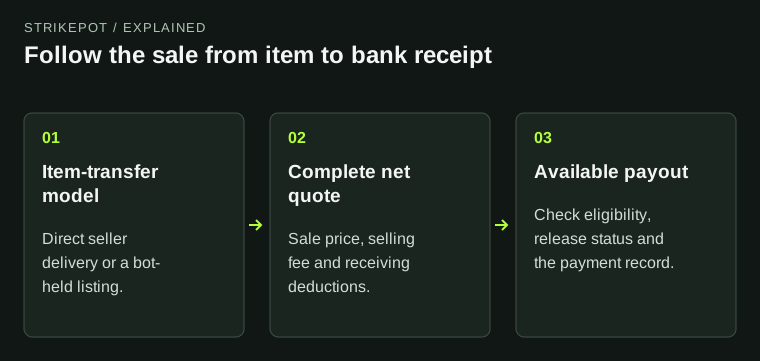
CSFloat uses direct Steam delivery from seller to buyer. Skinport’s published selling workflow transfers the item to its bot before the listing sells. Compare that workflow and the final received amount, not a fee headline alone.
01
Decide where the skin should be while it is listed
CSFloat describes a peer-to-peer market: the seller sends the item directly to the buyer on Steam when a sale needs delivery. That means the seller has a delivery action to complete; a listing is not a cash payment.
Skinport’s selling overview describes choosing a price, transferring the item to a Skinport bot and then having it listed for buyers. Sending an item to that bot starts the listing workflow; it does not mean Skinport has bought the item from you. Before choosing, decide whether you can complete a later seller delivery or want to use the documented bot-held listing process.
Where is the item before it sells?
CSFloat P2P
The seller completes the Steam delivery to the buyer.
Skinport listing
The published process transfers the item to a bot before the listing sells.
Your decision
Choose the delivery workflow you can follow.
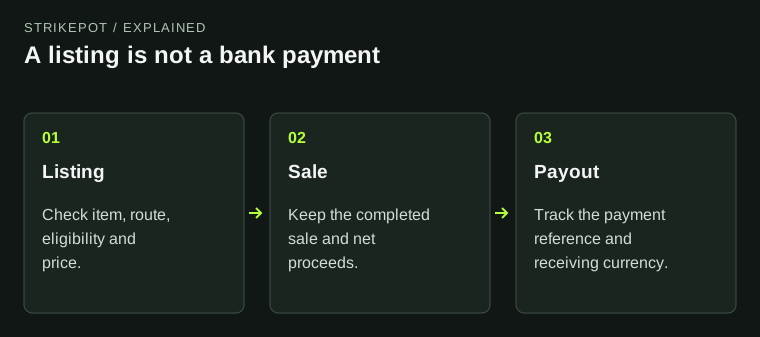
A listing and a Steam transfer are stages of a sale, not proof of money received.
StrikePot illustration02
Compare sale fees and payout fees separately
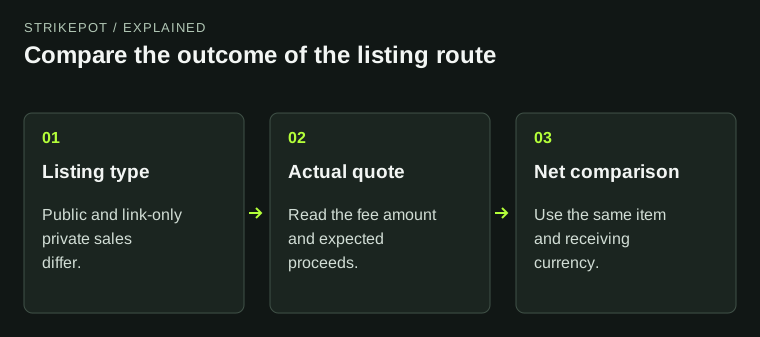
CSFloat’s public homepage lists a 2% sale fee and a withdrawal fee between 0.5% and 2.5% based on sales volume. Skinport’s July 2025 fee announcement lists 8% standard selling fees, 6% for items over €1,000 and 2% for private listings. Check the actual category and quote rather than assuming that every skin qualifies for the lowest rate.
A Skinport private listing is reached through its specific link and does not appear in the public Market. It answers a different discovery question when you already have a buyer. A lower private-sale percentage alone does not find that buyer for you.
Read the net amount through the fee layers
Sale price
Start with the exact item and a plausible sale amount.
Sale proceeds
Subtract the actual selling deduction.
Received payout
Read separate payout and conversion charges.
The quoted total may already include a charge. Count each deduction once.
StrikePot illustration| Exact item | Use the same float, pattern, stickers and other relevant features. |
|---|---|
| Realistic sale price | An unsold asking price is not money received. |
| Sale deduction | Record the quoted fee and fee category. |
| Payout deduction and conversion | Read the receiving method, currency and final amount. |
| Net result | Compare what would reach you after the disclosed deductions. |
03
A lower fee can still produce a lower net amount
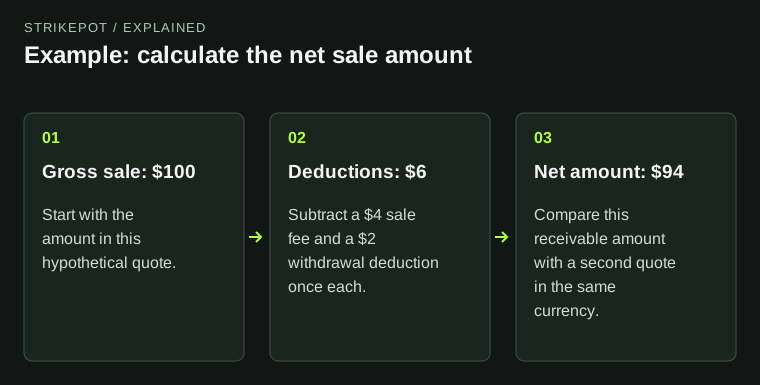
Here is hypothetical arithmetic, not a current quote for either site. Offer A sells at 100, deducts 2 as its sale fee and another 2 from the remaining balance at payout: 96 reaches the receiving account before any other charge. Offer B sells at 105 with an assumed 8% sale fee of 8.40: 96.60 remains before other charges.
The second example leaves more despite the larger sale deduction. Replace every number with the actual price and quoted charges for your item. Do not subtract a payout deduction twice if the displayed total already includes it.
04
Check the seller payout route before sending a skin
CSFloat’s published payout setup uses Stripe, with available bank, debit-card and crypto routes depending on country. Open the current withdrawal setup from CSFloat to check which methods your account can actually use; an old country list is not current eligibility.
Skinport’s July 2025 PayPal announcement is about paying for purchases and explicitly says seller payouts remain bank transfers. A PayPal checkout logo is therefore not evidence of PayPal cashout. Check the seller requirements and receiving account before transferring an item.
05
Track sale completion and money arrival as separate stages
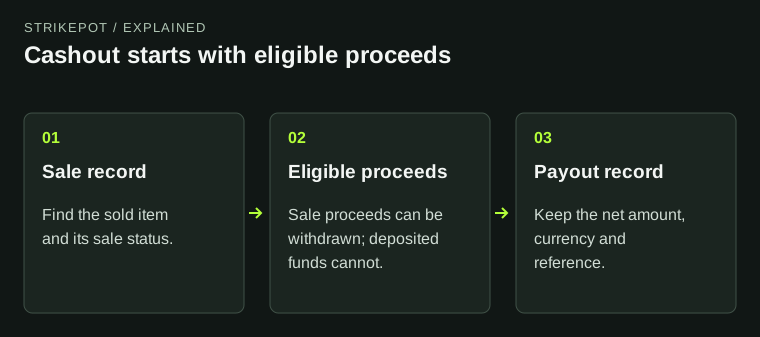
CSFloat’s FAQ separates protected sale proceeds from the later payout. Its published FAQ describes a release period after item delivery; that does not make a completed Steam trade proof of a bank payment. Follow the sale status and then the payout reference.
For Skinport, first establish that the listing sold, then inspect the payout record. There is no useful speed comparison until you know which stage each quote or estimate describes. Buyer demand, item restrictions and payment-provider processing are not one shared countdown.
Which stage is still unfinished?
No buyer or delivery
Inspect the listing and any seller action.
Sale proceeds pending
Read protection or release status.
Payout created
Trace its method and payment reference.
Compare like stages before comparing elapsed time.
StrikePot illustration06
Make the decision from two complete records
- Confirm that your country and receiving method are eligible on each service you are considering.
- Choose the item-transfer model you can follow: later P2P delivery or a bot-held listing.
- Record the exact item’s sale price, sale deduction, payout deduction and receiving currency.
- Keep the source of each estimate and compare the final amount at the same stage.
- After a sale, retain the Steam trade, sale and payout references separately.
BEFORE YOU CONTINUE
Quick checklist
- Check receiving-method eligibility first.
- Choose P2P delivery or a bot-held listing deliberately.
- Compare one exact item and one currency.
- Separate sale deductions from payout deductions.
- Do not treat listing, delivery and bank receipt as the same event.
Official sources
Official published workflows and fee descriptions reviewed on 27 October 2026. The dated announcements below are identified separately from current account quotes.
- CSFloat — published P2P and fee description · reviewed
- CSFloat — sale release and supported payout types · reviewed
- CSFloat — Stripe payout setup, historical February 2023 announcement · reviewed
- Skinport — published bot-listing workflow, April 2021 overview · reviewed
- Skinport — selling-fee categories, July 2025 announcement · reviewed
- Skinport — private-listing discovery model · reviewed
- Skinport — PayPal purchases and bank seller payouts, July 2025 · reviewed
Published fee categories do not establish the price your item will sell for. Check current account eligibility, the fee quote and the receiving currency before sending an item.