THE QUICK ANSWER
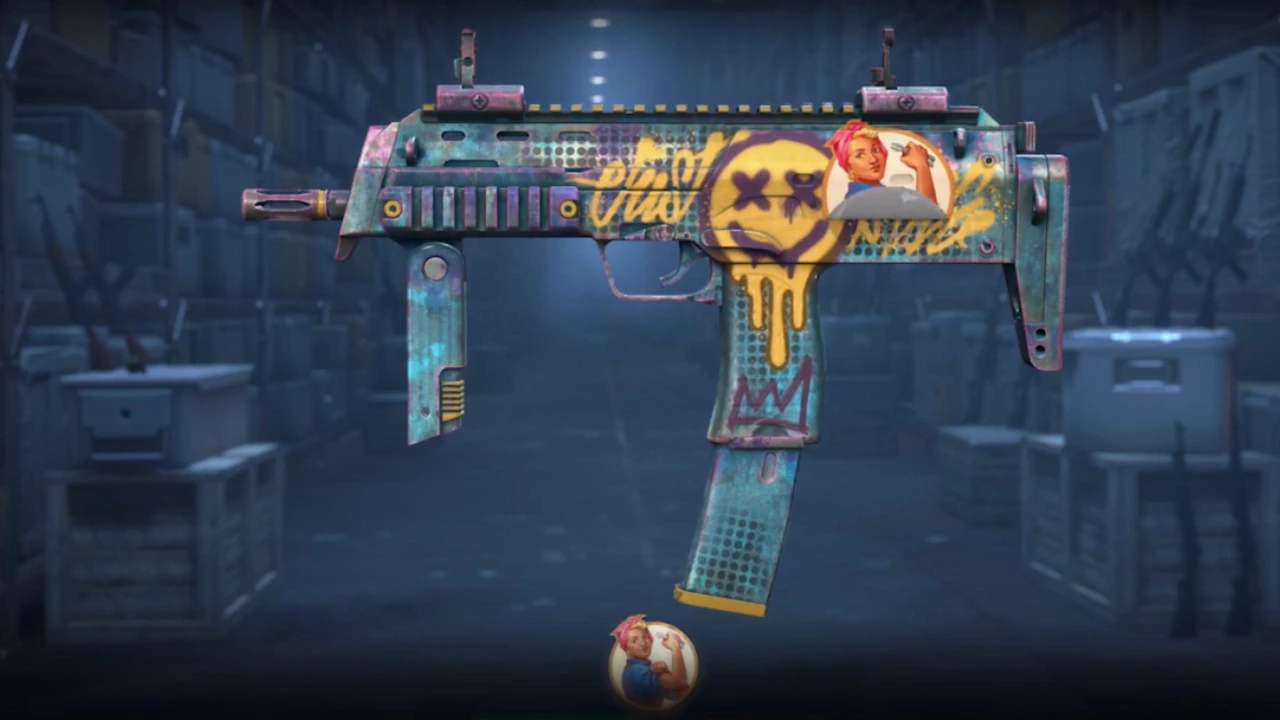
A search match identifies a candidate. The selected listing's actual item details and appearance are the evidence to compare before committing to that skin.
01
Turn a preference into something you can check
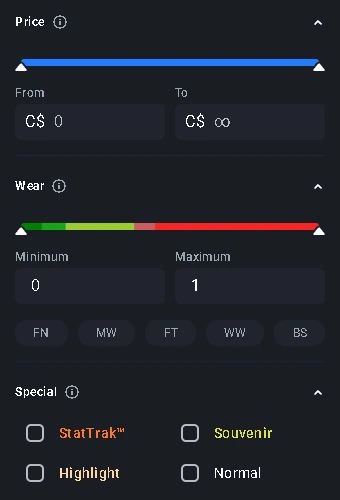
Write down the detail you care about before switching services. 'This skin in Minimal Wear' is a different requirement from 'this paint seed with this sticker position.' If you only want a particular appearance, a numerical filter can narrow the search without proving that the result looks right to you.
CSFloat's published API distinguishes market name, float limits, paint seed, special type and sticker position. Skinport's September 2026 guide explains inspecting an individual listing in a browser viewer or in CS2. These are complementary kinds of evidence: structured fields and a visual check of the chosen item.
One requirement, one evidence cell
Wear requirement
Record the exact item value; do not substitute the wear label alone.
Pattern requirement
Record the seed and inspect the visible result.
Sticker requirement
Record names, positions and visible condition.
Unconfirmed
Keep the cell open when the necessary field or inspection is unavailable.
An original evidence grid for comparing individual listings; it does not reproduce a marketplace interface.
Original explanation · not an account screenshot02
Compare what each piece of evidence establishes
| Shared weapon and finish name | Establishes a family of items. It does not by itself establish the same float, pattern or craft. |
|---|---|
| CSFloat structured criteria | Its official reference describes separate float, seed, category and sticker-slot fields; record the selected listing's values. |
| Skinport individual viewer | Its guide describes rotation and zoom for checking the particular item's wear, pattern and stickers. |
| In-game inspection | Lets you judge the listed item's appearance in CS2 rather than relying solely on a generic image. |
| Price and delivery record | Must belong to that selected listing. A visual match alone does not establish availability, price or a completed purchase. |
03
Keep an evidence card for each candidate
Record the listing URL, observation time, item name, individual attributes and the image or inspect reference you used. Repeat the same checks for another candidate. If one service shows a field that the other does not, mark it unconfirmed rather than inferring it from the picture.
For a sticker craft, compare placement and visible condition as well as sticker names. For a pattern requirement, retain the stated seed and inspect the visible result. These checks are about satisfying your specification; they do not establish a market premium or resale value.
- Requirement: necessary or optional?
- Evidence: exact field, item viewer or in-game inspection?
- Result: matched, mismatched or unconfirmed?
- Listing state: still available, changed or no longer listed?
From a search match to an item decision
Candidate
The listing matches the broad search.
Evidence
Structured fields and individual inspection address the requirements.
Final record
Recheck that same listing's availability, amount and delivery terms.
Search, inspection and purchase confirmation answer separate questions.
Original explanation · not an account screenshot04
Do not turn a missing field into a platform ranking
A field absent from a public extract may exist in the application. CSFloat application opens returned a JavaScript shell during this review, so its official API reference supplies the documented criteria; this guide does not assert that every criterion is displayed in every current interface.
Likewise, a successful browser rendering is not a completed item inspection test. Use the official listing's present controls and stop when a necessary attribute remains unconfirmed. A screenshot from an old listing does not reserve that item.
05
Recheck the finalist rather than the search result
- Open the exact current listing again.
- Match the required attributes to their evidence.
- Inspect the particular skin using the available official viewer or inspect link.
- Read the current price, delivery and confirmation for that listing before any purchase.
BEFORE YOU CONTINUE
Quick checklist
- State the required attributes before browsing.
- Match each claim to an individual item field or inspection.
- Keep unconfirmed details explicit.
- Recheck the exact listing before committing.
Official sources
Official public documentation reviewed on 26 October 2026 (America/Toronto). Publication dates and source-access limits are recorded below.
- CSFloat — official listing fields and filters · reviewed
- Skinport — individual 3D and in-game inspection (21 September 2026) · reviewed
Skinport's individual inspection guide is dated 21 September 2026. CSFloat's official API reference was readable; current application guide opens returned a JavaScript shell. The comparison establishes documented evidence types, not feature parity, live inventory coverage or a tested rendering. No extension, inspection session, purchase or item valuation was performed.
Keep exploring skins & trading
Find practical guides for inspecting CS2 skins, understanding Rust cosmetics and comparing TF2 items.