THE QUICK ANSWER
Valve’s tool description transfers scores between Strange items of the same base type. It adds to the target and zeros the source; it does not describe moving the Parts themselves.
01
Check the two Strange items
Valve’s item description limits the one-use tool to Strange items of the same base type. Match that base type before comparing a painted variant, custom name or decorative modifier.
Record both full item names and which one is the source. The direction matters because the source’s score is reset rather than copied while remaining intact.
Illustrative main-score transfer
Before
Source 120 and target 30.
Transfer
The source score is added to the target.
After
Source 0 and target 150; invented example counts.
Original arithmetic diagram, not a Steam or TF2 account screenshot.
Original explanation · not an account screenshot02
The target receives the source score
The description says the source score is added to the other item and the source count becomes zero. An invented arithmetic example: source 120 and target 30 become source 0 and target 150. Those are example counts, not a captured account.
Read the actual selected-item confirmation and preserve your before values. A reversed source and target can produce a different configuration from the one you meant to keep.
| Before | Source 120; target 30. |
|---|---|
| Documented operation | Add the source score to the target, then zero the source. |
| After | Source 0; target 150. Example numbers only. |
03
Matching Parts govern extra statistics
Valve says Strange Part scores are transferred and zeroed only when a matching Strange Part is found. Check each additional statistic independently from the main score.
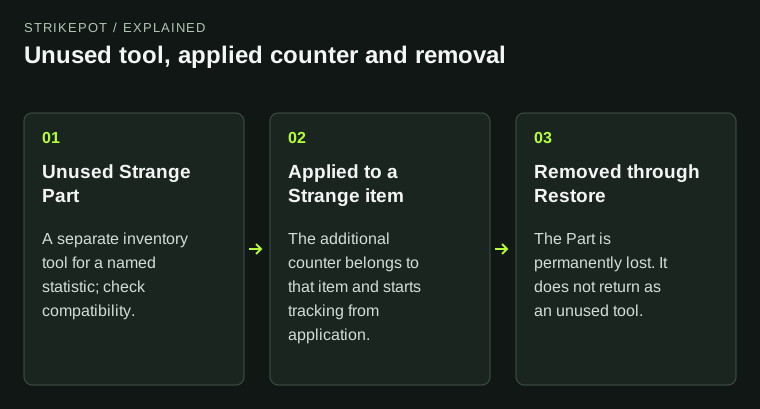
The rule concerns Part scores. Do not treat it as delivery of an unused Part or migration of the Part tool itself. Compare the Parts on both items before committing a transfer, especially when one statistic matters more than the main rank.
Check each extra Part score
Matching Part on target
The description permits that score to transfer and zero.
No matching Part
Do not assume that extra score moves.
Need the Part itself
The tool description covers scores, not a recovered unused Part.
A separate statistic-by-statistic decision map.
Original explanation · not an account screenshot04
Keep property transfer separate from appearance
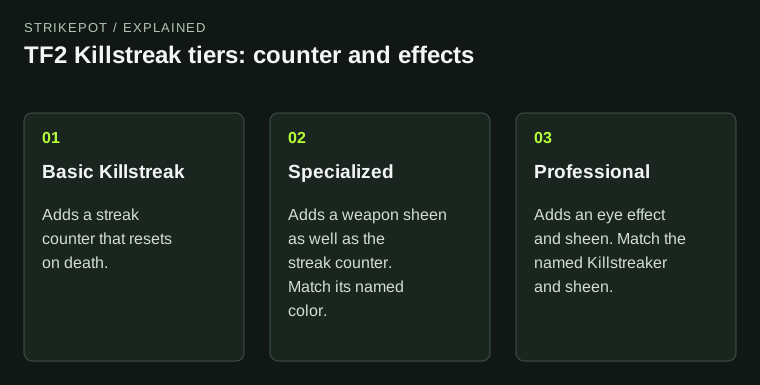
This tool moves the documented statistics; it is not a paint, Unusual effect or Killstreak tool. Check those properties on the item you intend to keep before treating its counter as the whole configuration.
For a failed selection, save both base names, quality, attached Part names and exact message. Do not consume a second tool merely to test compatibility.
BEFORE YOU CONTINUE
Quick checklist
- Check both Strange qualities and the same base type.
- Identify source and target explicitly.
- Compare every matching Part statistic.
- Save before counts and read the confirmation.
Official sources
Public game documentation and item descriptions reviewed on 26 October 2026 (America/Toronto). Community-maintained references are labelled where used.
The readable current Valve item description supplies one use, same-base Strange compatibility, additive target arithmetic, source zeroing and matching-Part score handling. No transfer, counter increment, craft, purchase or account item inspection was performed. The numeric example is explicitly invented arithmetic.
Keep exploring skins & trading
Find practical guides for inspecting CS2 skins, understanding Rust cosmetics and comparing TF2 items.