THE QUICK ANSWER
Hide a game to organize your own list; mark it private to limit how Steam shows that game to others. Check the documented side effects before changing it.
01
Choose organization or privacy
Valve describes hidden games as an organizational feature: they no longer take up space in your normal Library list. Mark Private instead leaves the game visible to you while hiding its ownership, playtime, in-game status and activity from other Steam users.
Decide which problem you are solving before changing the setting. A crowded local game list and a wish to keep one title’s activity private call for different controls. Neither means that the game license has been transferred to another account.
Which audience are you changing?
Hidden game
Changes your own Library organization.
Private game
Changes how other Steam users see the game.
Inventory setting
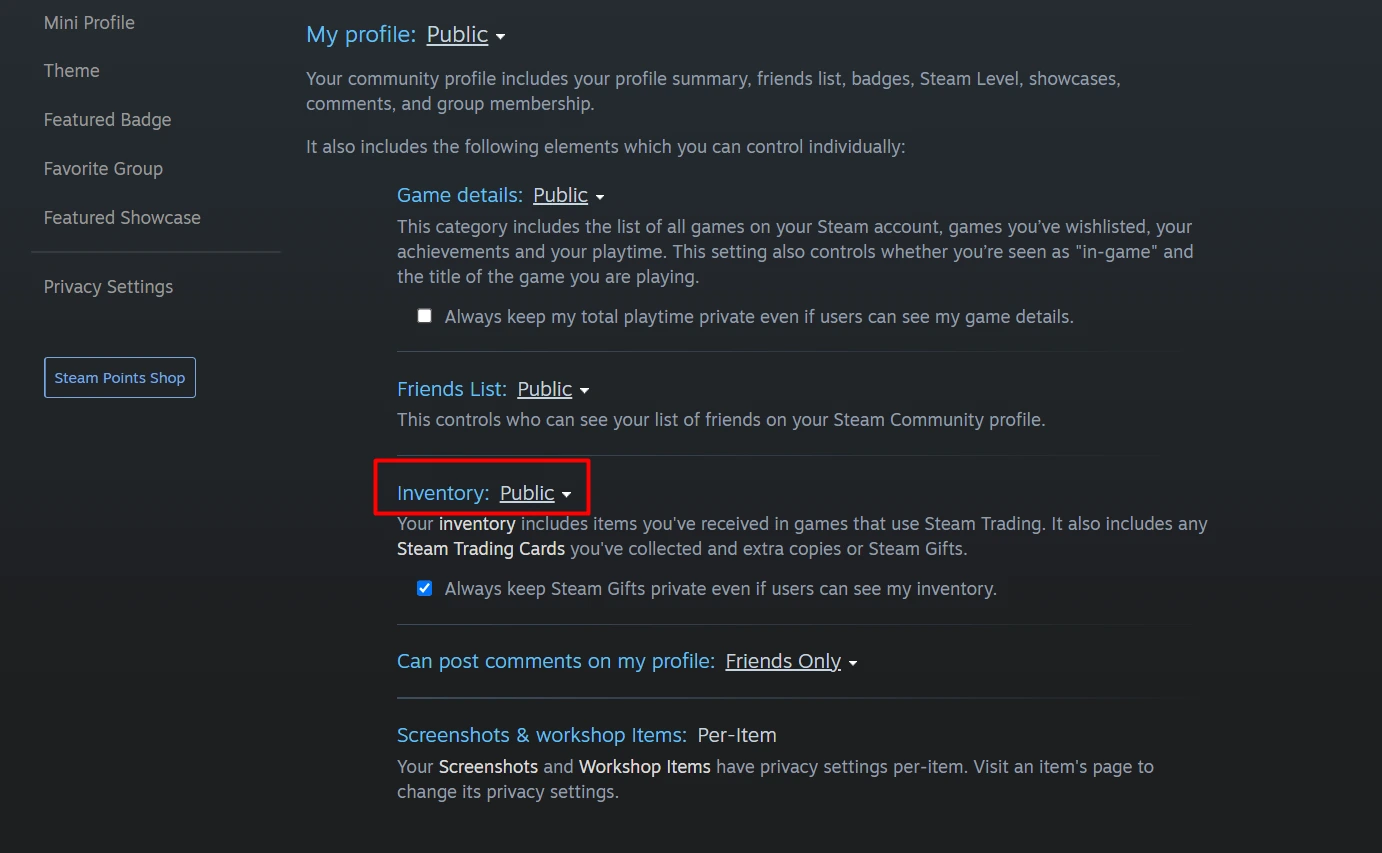
Controls who can view your item inventory.
Original comparison of three scopes, not a recreated Steam menu.
Original explanation · not an account screenshot| Hide | Organize the game list you see. |
|---|---|
| Mark Private | Limit how Steam presents that game to other users. |
| Inventory privacy | A separate control for visibility of inventory items. |
02
Find the game’s privacy control
Valve documents Mark Private under the game’s Manage submenu, available by right-clicking the title or using its Library gear menu. It also documents game Properties → Privacy and the web profile games list. The client must be online to change this setting.
Check the selected game before saving or toggling anything. Record the previous state if you are troubleshooting a feature that stopped working. Making unrelated games private adds uncertainty without narrowing the original problem.
03
Account for the documented side effects
Valve says a private game does not award Steam Trading Cards while private. It also cannot be transferred to other users through local network game-file transfer when that sharing option is enabled. The Steam Families FAQ separately excludes games marked private by their owner from family sharing.
These effects can explain why an owned, installed game is missing from one of those features. Write the feature and game name together when reporting the issue. Do not describe the absence as a missing inventory skin unless an actual item is absent.
A private title can disappear from more than activity
Trading Cards
No card awards while the game is private.
Other-user LAN transfer
The private title is excluded.
Family Sharing
The owner’s private title is excluded.
Original side-effect summary from the current public FAQs.
Original explanation · not an account screenshot04
Know what private does not establish
Valve notes that other players on the same Steam-matchmaking server can still see your SteamID. Inviting a friend into the private game also exposes the in-game status needed for joining until you exit or disconnect.
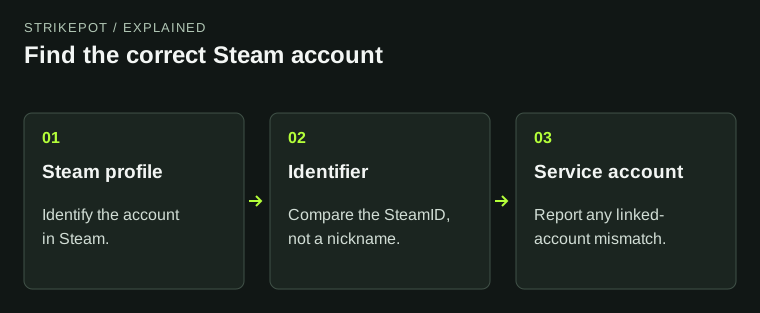
Inventory visibility still has its own settings and item rules. If your goal concerns a skin website’s inventory view, use the inventory-privacy guide and compare the correct account. A private-game setting is not evidence that an item can be traded or that a public match is anonymous.
BEFORE YOU CONTINUE
Quick checklist
- Choose local organization or game activity privacy.
- Check the intended game and previous state.
- Account for cards, LAN transfer and family-sharing effects.
- Use inventory privacy for inventory visibility.
Official sources
Public Valve documentation reviewed on 26 October 2026 (America/Toronto).
- Steam Support — Steam Private Games · reviewed
- Steam Support — Steam Families User Guide & FAQ · reviewed
- Steam Support — Steam Profile Privacy · reviewed
The public FAQ was read from the complete embedded data-faqstore article in Steam Support HTML. Procedures are documented guidance; no account sign-in, client operation, security change or transaction was performed. Examples and decision aids are original editorial explanations.