THE QUICK ANSWER
A disk write error concerns completing installation at a storage location. Check the correct drive and repair that library before treating the problem as a slow download.
01
Keep the parenthesized error and target path
Valve says update and installation errors give the specific reason in parentheses at the end of the message. Capture the whole line, the game and the library drive. “Disk write error” and a server connection failure describe different blockers.
Check whether the target drive is present and has space for the operation. Record whether one title or several titles in that library fail. A working game launch does not test whether Steam can write a new update to the same location.
Keep the error attached to its library
Full error
Preserve the parenthesized reason.
Target drive
Identify the affected installation path.
Repair Folder
Use the selected library’s Storage menu.
Same operation
Record the retry result.
Original library-repair workflow, not a command to change system-wide permissions.
Original explanation · not an account screenshot02
Repair the identified library in Storage
Valve explains that library permissions sometimes need refreshing so Steam can update files. Its documented route is Steam → Settings → Storage → the library’s three-dot menu → Repair Folder.
Select the drive that contains the affected installation before using the command. Let the repair finish, then return to the same game’s update or install. Keep the outcome: completed, a different error, or the identical failure.
- Save the complete error and identify the target Steam library.
- Restart Steam and the computer if that basic check has not been completed.
- Open Settings → Storage and select the affected library drive.
- Use its three-dot menu → Repair Folder, then retest the same operation.
03
Separate folder permissions from game-file content
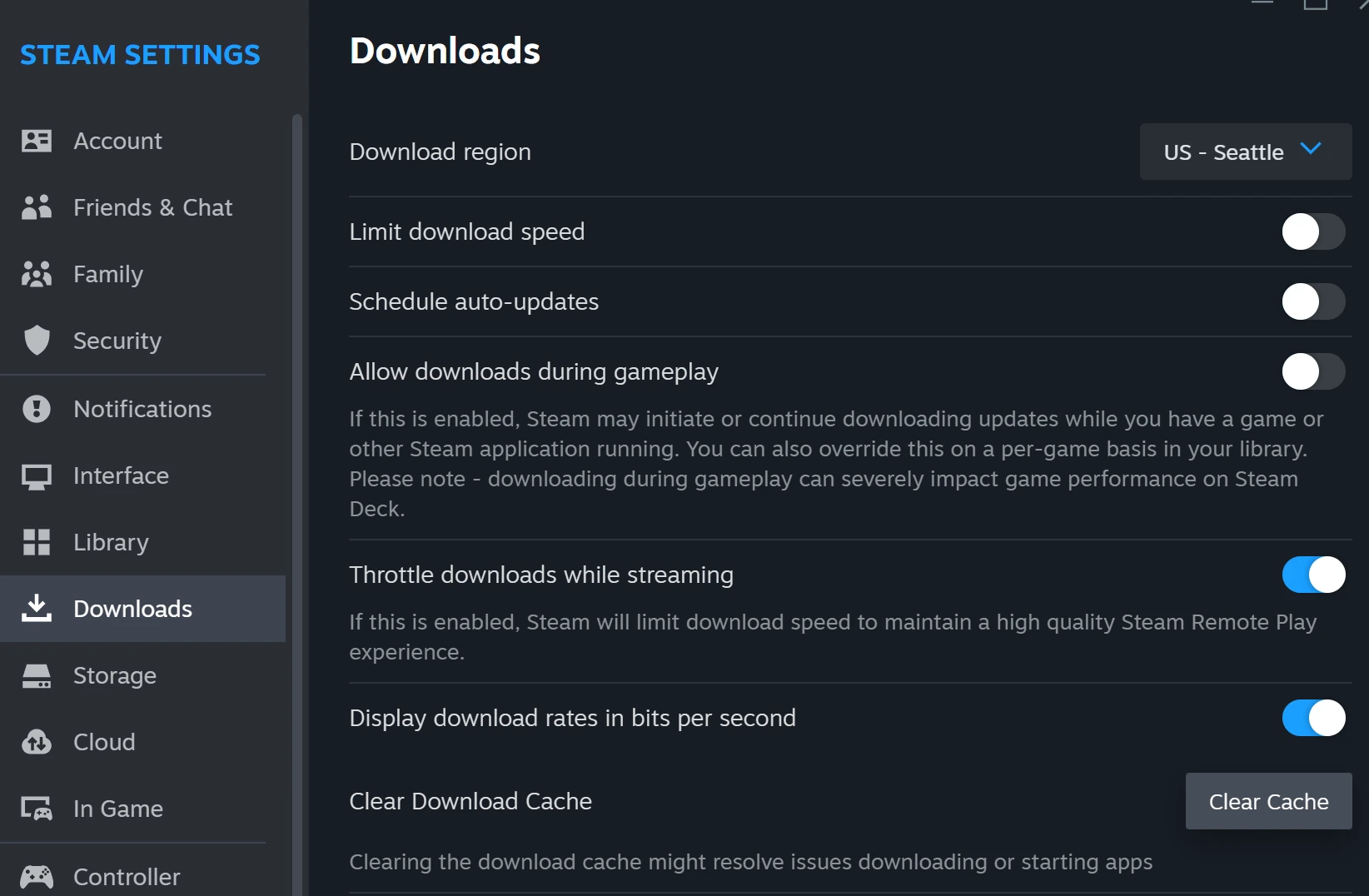
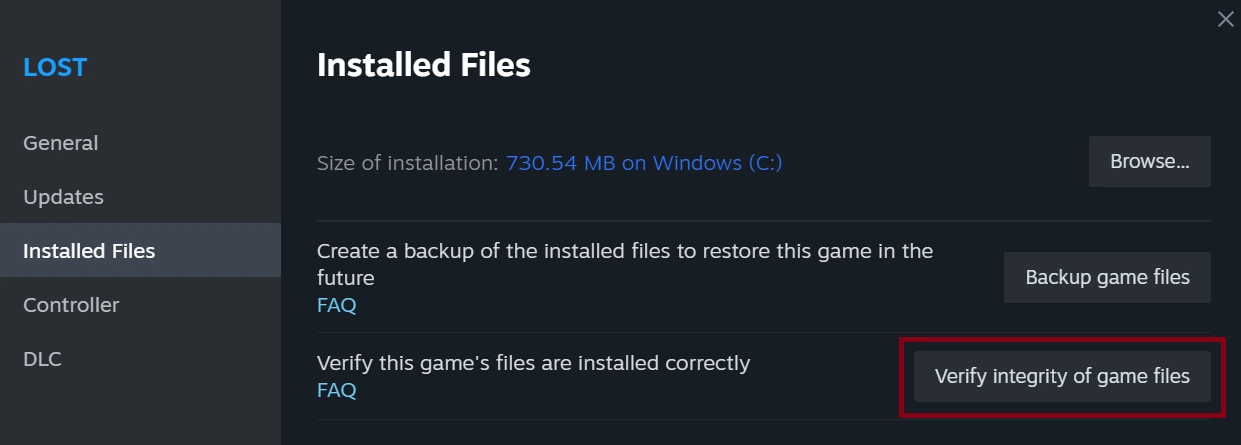
Repair Folder addresses the library’s ability to be updated. Verify integrity of game files checks a particular game’s installed content. Clear Download Cache resets cached download configuration. Each is a different check; record which one you actually ran.
If an alternate drive is already available, Valve documents using a different Steam library as a further storage comparison. Preserve personal files and use Steam’s supported library controls. A successful alternate install narrows the issue without proving which component of the first drive failed.
Do not confuse the three repair targets
Library repair
The folder must be writable for updates.
Game verification
Installed content must match the game.
Download cache
Cached download configuration is refreshed.
Original comparison of the distinct checks described in Valve’s installation article.
Original explanation · not an account screenshot| Repair Folder | Refresh the selected library’s update permissions. |
|---|---|
| Verify game files | Check a title’s installed content. |
| Alternate library | Compare the operation at another storage location. |
04
Escalate a persistent storage failure with the evidence
Valve’s advanced installation guidance includes drive and memory diagnostics. If ordinary system file operations also fail or the drive reports errors, preserve important data and use appropriate storage support before repeating large writes.
For Steam Support, keep the library path, drive type, full error and repair/retry result together. Avoid deleting folders, applying broad permission commands or formatting a drive as a first response. Those actions would remove useful evidence and are not the built-in Repair Folder procedure described here.
BEFORE YOU CONTINUE
Quick checklist
- Capture the full error and affected library.
- Check drive availability and space.
- Use Repair Folder for the correct library.
- Retest once and preserve a persistent storage error.
Official sources
Public Valve documentation reviewed on 26 October 2026 (America/Toronto).
- Steam Support — Update & Installation Issues · reviewed
- Steam Support — Moving a Steam Installation and Games · reviewed
The public FAQ was read from the complete embedded data-faqstore article in Steam Support HTML. Procedures are documented guidance; no account sign-in, client operation, security change or transaction was performed. Examples and decision aids are original editorial explanations.