
THE QUICK ANSWER
A repaired lighthouse starts the regular Deep Sea cycle. Repair progress is shared across lighthouses; a map without one starts with the cycle active.
01
Check the lighthouse gate first
If Deep Sea is not available after the November update, include the lighthouse in your checks. The update makes repair the starting gate for the regular cycle, rather than asking you to diagnose only your boat or travel route.
The cycle opens when repair is completed. Several lighthouses share that progress, so moving to another lighthouse is not a separate independent unlock. Maps without a lighthouse start with the cycle active.
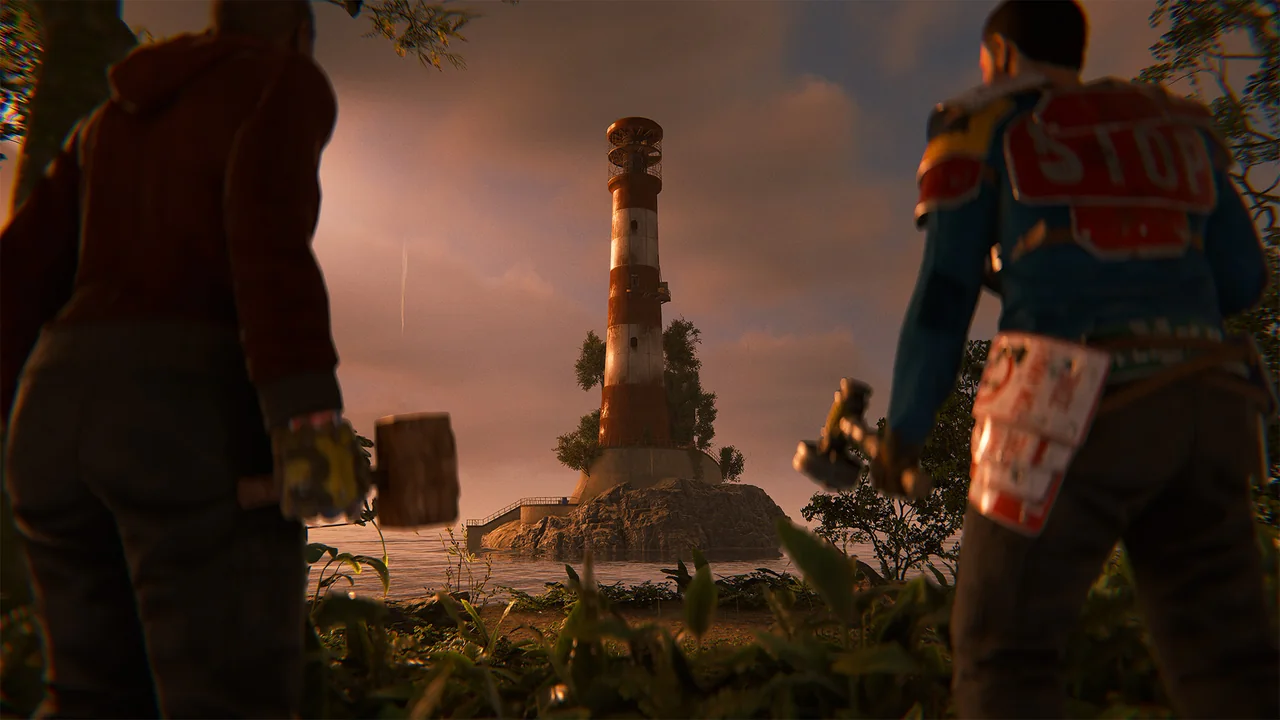
Facepunch’s official lighthouse illustration from Printed and Polished. Materials and repair inputs should be read from the current game.
Open the full-size image to read small interface details.02
Use the repair information in your current game
Approach the relevant repair point and read the interaction or material requirements displayed in your game. Bring what that prompt requests and check the remaining progress after contributing. Keep your resource count separate from the completion state; possessing materials is not the same as finishing the repair.
- Check whether this map has a lighthouse.
- Inspect the repair information and remaining requirements there.
- Follow the displayed repair interaction with the required materials.
- Check completion and the Deep Sea state before setting off.
03
Prepare the trip after checking access
An open route and a prepared trip answer different questions. Check your intended destination and what you need to get there and return. If you are with a group, agree on a departure point instead of having everyone inspect a different lighthouse.
If the expected state does not appear, keep the server name, time, visible repair state and access message together. Ask the server’s support team about that particular state rather than assuming a different landmark will reset shared progress.
04
Use older naval guides for the right context
The naval content predates this repair change. An older guide can still explain the broader area while omitting the new entry gate. Use the November update for the gate and the naval announcement for background; do not treat their dates as interchangeable.
BEFORE YOU CONTINUE
Quick checklist
- Check whether the map has a lighthouse.
- Read the repair requirements shown in the game.
- Check the shared repair progress.
- Confirm Deep Sea access before starting the trip.
Official sources
Read the official documents below for the service’s rules and account instructions.
- Facepunch — lighthouse gate · reviewed
- Facepunch — Naval Update background · reviewed