THE QUICK ANSWER
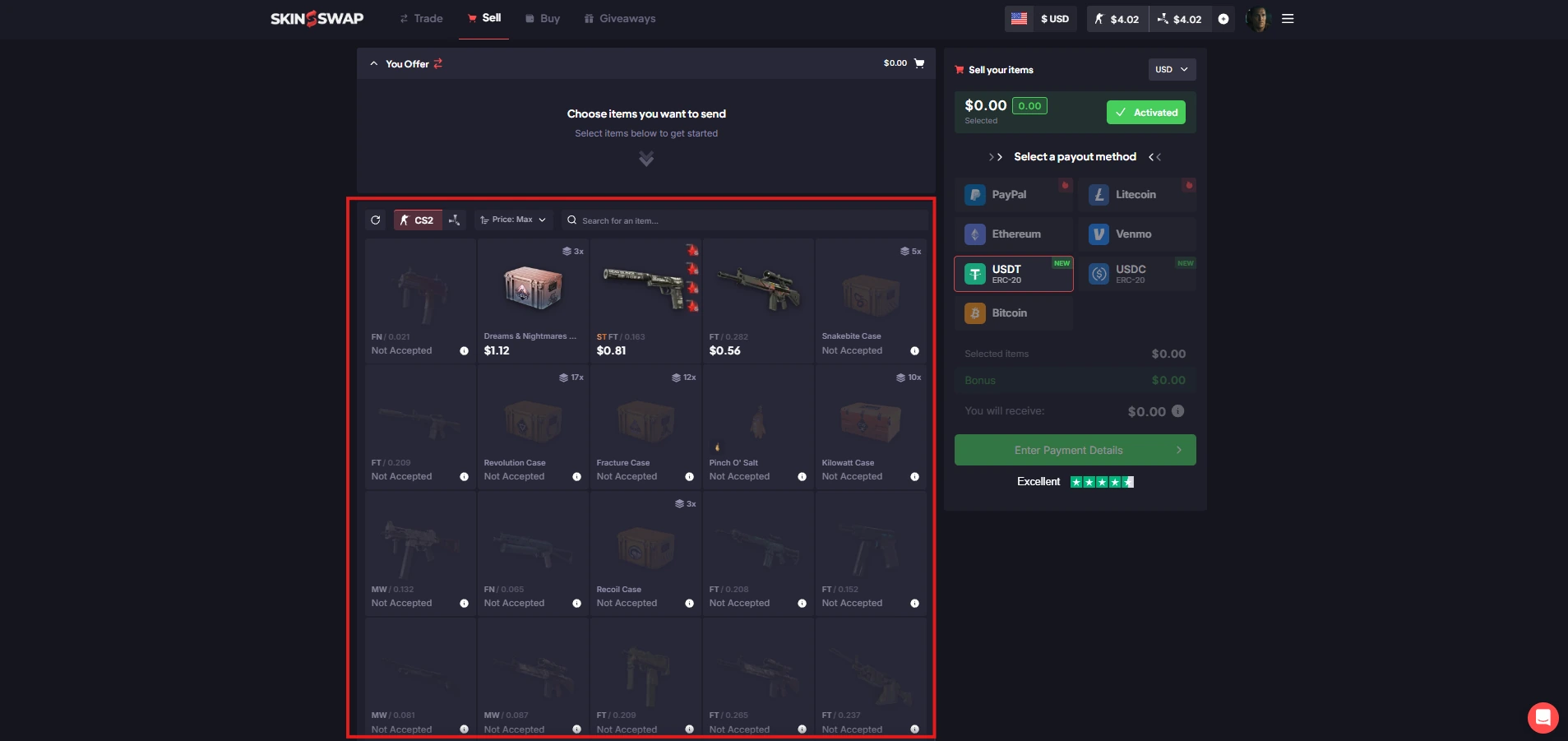
A PayPal logo can describe money you send. Confirm the seller's receiving route separately before using it as a reason to choose a marketplace.
01
Put an arrow beside the payment method
Before choosing a site because it says PayPal, label the task: paying for a skin or receiving money after selling one. Skinport's July 2025 announcement adds PayPal for purchases but explicitly says payouts remain bank-transfer-only. SkinCashier's current FAQ lists PayPal among its seller payout methods.
The same brand of payment service therefore appears on opposite sides of these transactions. A method available at checkout does not establish that the seller can select it as a payout destination.
The same logo, two directions
Purchase
Your payment account → skin checkout
Sale payout
Completed sale → supported receiving account
Evidence
Find the method in the help for that direction.
PayPal checkout support and PayPal seller payout support are separate claims.
Original explanation · not an account screenshot02
Compare payment direction and availability
| Skinport PayPal purchase | Buyer pays Skinport for selected items. The announcement warns that PayPal may not be visible for all accounts or regions. |
|---|---|
| Skinport seller payout | The same announcement specifies bank transfer for payouts; its PayPal addition is not a PayPal-cashout announcement. |
| SkinCashier seller payout | Its FAQ documents payout to the selected method, including PayPal. Check the current offer and recipient details. |
| Current availability | A documented method is a candidate, not confirmation that your account can use it for this amount and country. |
| Payment completion | A sale or accepted trade and a recipient's credited payment are separate records to follow. |
03
Verify the receiving route before transferring the skin
Record the method, receiving currency and account-specific amount. If a payment destination is essential to your plan, confirm that destination in the seller flow before sending the item. A buyer-facing help page or a card logo in the footer is insufficient evidence.
Do not infer that paying with PayPal creates a refund or seller payout route through PayPal. A refund, a sale payout and a reversal of a purchase each needs its own policy and transaction reference. This guide does not promise any payment provider's eligibility or protection.
- Direction: payment in or payout out
- Operation: purchase, sale or refund
- Method offered in that operation
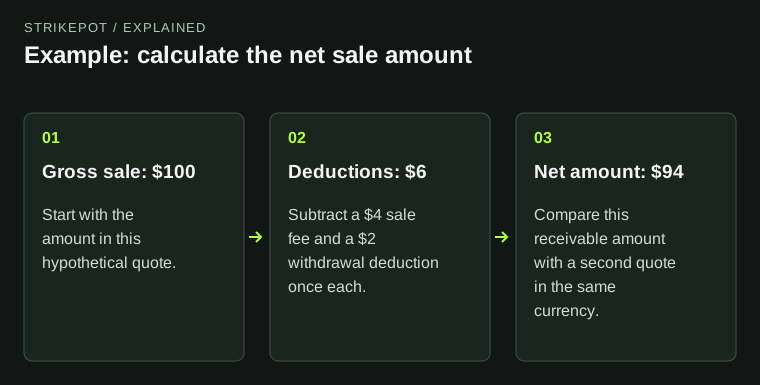
- Receiving amount and currency
- Recipient and reference shown by the official flow
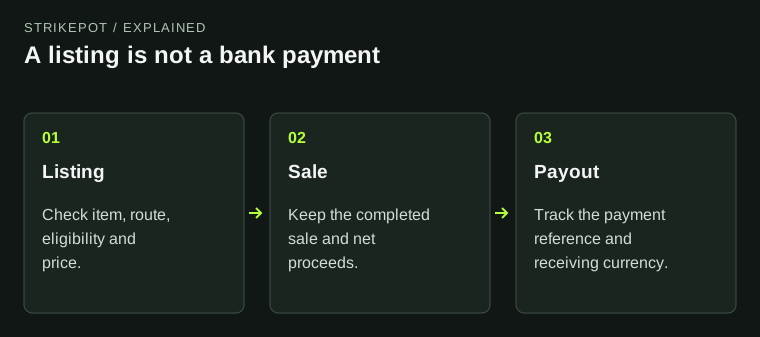
A payout method starts after earlier sale conditions
Item trade
The intended sale transfer completes.
Sale release
Apply the game's documented release condition.
Payment record
The selected payout method receives its own reference and status.
Recipient
Confirm receipt separately from a completed trade.
An event sequence, not a promised delivery schedule.
Original explanation · not an account screenshot04
Keep the sale clock separate from PayPal delivery
SkinCashier's FAQ says CS2 sale money is released after Steam's seven-day protection ends, while its named Rust, Dota 2 and TF2 sales are paid after the completed trade. It then separates payment arrival by method. The word PayPal does not erase an earlier sale-release condition.
Use the sale record for an unreleased sale and the payout record for a payment already created. A payout logo alone tells you neither when the sale will release nor whether a particular payment has reached its recipient.
05
Compare two receiving routes on the same worksheet
- Write the exact selling task and preferred destination.
- Read the service's seller-payout documentation, not only its buyer checkout page.
- Confirm the currently offered method and quote for your account.
- Save the sale and any later payout reference separately.
BEFORE YOU CONTINUE
Quick checklist
- Mark money-in and money-out separately.
- Check seller documentation for the intended destination.
- Confirm account and regional availability.
- Separate sale release from payment arrival.
Official sources
Official public documentation reviewed on 26 October 2026 (America/Toronto). Publication dates and source-access limits are recorded below.
- Skinport — PayPal purchase support; bank-transfer payouts (31 July 2025) · reviewed
- SkinCashier — payout methods and sale-release timing · reviewed
Skinport's payment-direction statement is from its 31 July 2025 announcement; the current account checkout and payout screens were not tested. SkinCashier's public FAQ was readable on the review date. No PayPal login, sale, bank setup, payout, refund or account-country check was performed.