THE QUICK ANSWER
A stale offer can be deactivated without a sale. Check the On sale record and its update history before treating disappearance as missing proceeds.

01
Identify an offer rather than a completed sale
Start with the offer reference and current status. An item listed for sale is waiting for a buyer; editing or removal controls apply to that offer. A completed sale and any balance release have their own records.
If a listing disappears from public results, check its account-side state before assuming the item sold. Deactivation and removal can also take it out of the available catalogue.
Explanation: why an offer is no longer public
Sold
Find the sale reference and balance entry.
Removed
Verify the item’s current custody separately.
Deactivated
Check last update and the six-month policy.
Explanation diagram, not a website screenshot. Possible states to investigate, not a claim about any account.
Original explanation · not an account screenshot02
Use the correct single or multiple-offer route
DMarket documents selecting offers under On sale and choosing Manage. A gear icon manages one offer. Read the selected rows carefully before setting their new prices and confirming with Sell.
Preserve the old and new amount, currency and change time. If several nearly identical skins are selected, record which row belongs to which exact item rather than relying on one shared thumbnail.
- Open On sale and select the intended offer or offers.
- Use Manage, or the single-offer gear control.
- Review the changed price for every selected item.
- Confirm the update and recheck the resulting offer.
03
Understand the six-month rule
The February 2026 help says an offer not updated for six months is deactivated. It recommends periodic editing to keep an offer active and makes a price reduction optional. The rule does not prove a buyer purchased the item.
If your offer was deactivated, compare its last update with the stated rule, then review the current terms before republishing or editing. Reusing an old asking price without checking the item and currency can preserve an unintended quote.
Explanation: update an offer or end the offer
Manage / gear
Change intended price and confirm the updated offer.
Remove
Stop offering the selected unsold item.
Withdraw item
A separate custody action with its own record.
Explanation diagram, not a website screenshot. The comparison describes action scope; it is not a website screen.
Original explanation · not an account screenshot| Offer not updated for six months | Documented cause of deactivation |
|---|---|
| Periodic edit | Documented way to keep an offer current |
| Price reduction | A seller choice, not a mandatory rule |
| Missing proceeds | Look for a completed sale before tracing money |
04
Remove the unsold offer when you want to stop selling
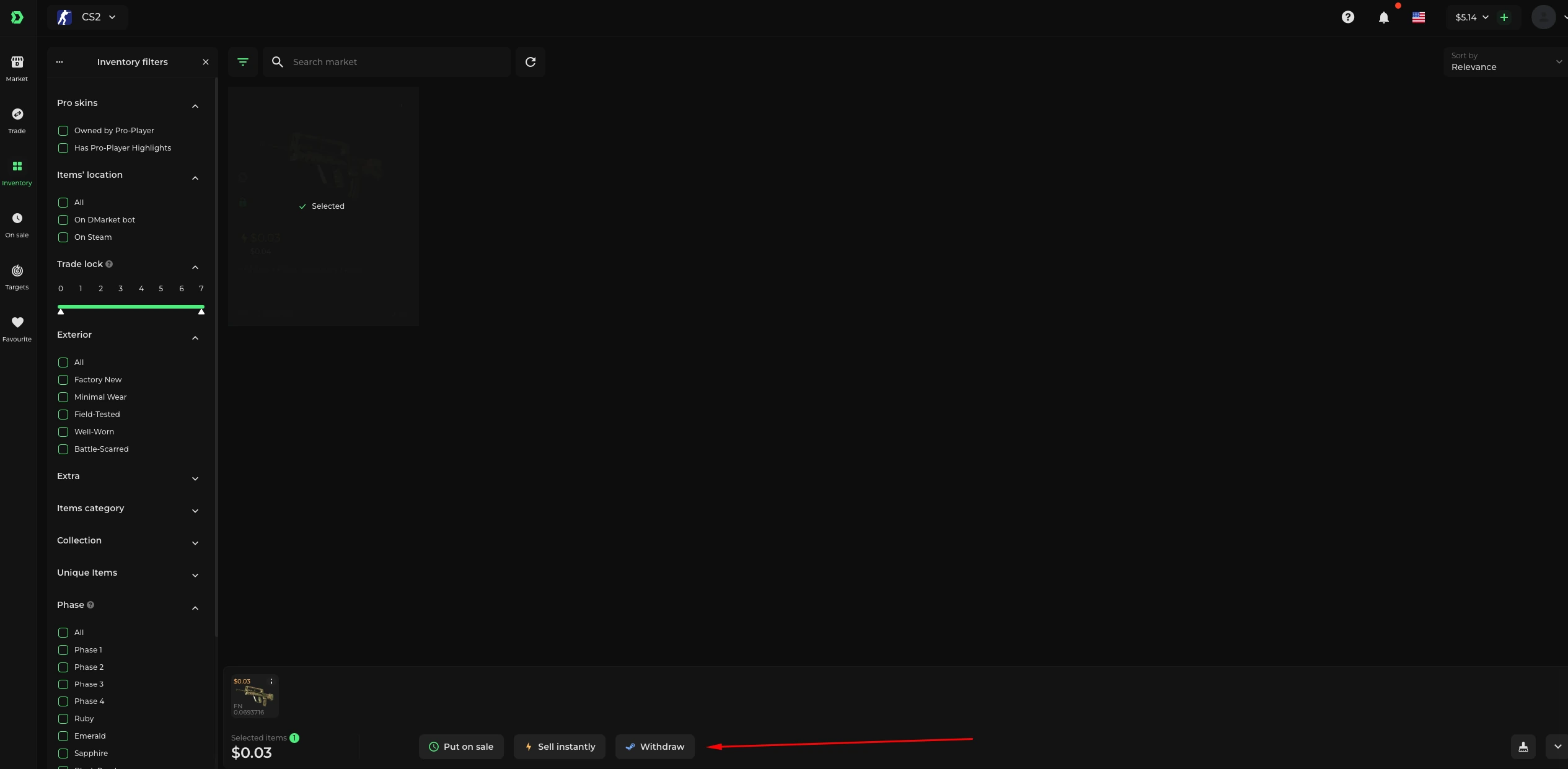
The removal guide uses On Sale → select the item → Remove. Confirm the item’s resulting state. Removing its sale offer does not by itself document a withdrawal of the skin to Steam.
If you intend to return the skin to Steam, use the separate item-withdrawal process and its status. Keep offer removal and custody transfer as separate events in your notes.
05
Close the loop with item and offer evidence
Save the offer reference, exact skin, status, last known update and final result. If the controls do not match the documented route, report the current state through official support.
For an item you expected to sell, say whether the offer remained active, was removed, was deactivated or has a sale reference. That narrows the issue more effectively than reporting only that it vanished from search.
BEFORE YOU CONTINUE
Quick checklist
- Check offer state before assuming a sale.
- Review every selected price row.
- Keep the six-month deactivation rule in context.
- Separate offer removal from Steam withdrawal.
Official sources
Official public documentation reviewed on 26 October 2026 (America/Toronto).
- DMarket Help Center — Change the price of an item listed for sale · reviewed
- DMarket Help Center — Remove an item from sale · reviewed
- DMarket Help Center — Why my sale offer was deactivated? · reviewed
Public documentation review only. No account was signed in, no order or trade was created, and no payment was made. Examples use invented amounts and do not report current market prices.
Need the details for a particular website?
The code directory records each partner’s code, referral method and offer status. Use the relevant partner page when your question also involves one of those details.
Partner pages may include affiliate links. A listing does not confirm a reward or account eligibility.