THE QUICK ANSWER
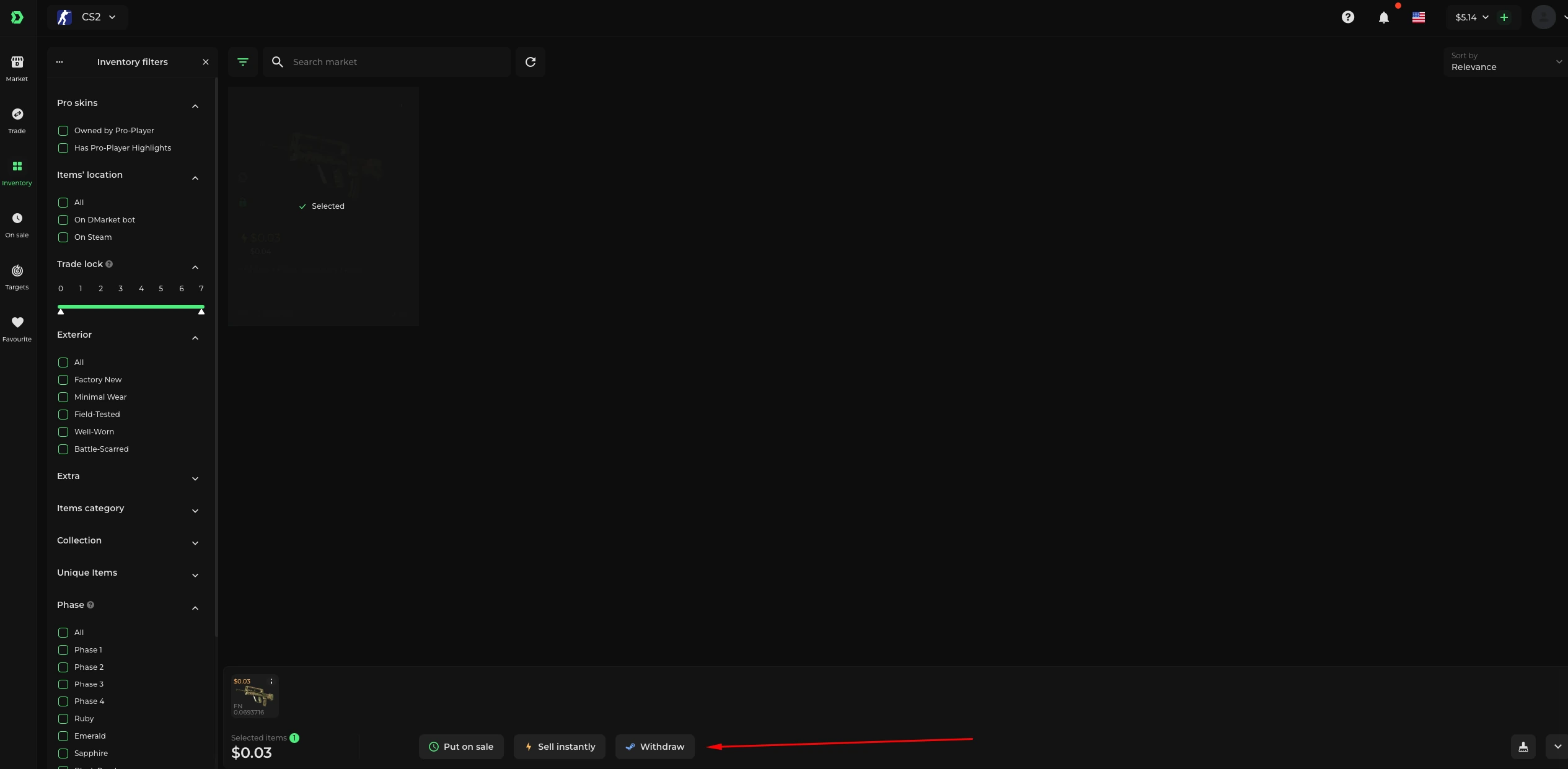
If Steam delivered the item but no sale credit appeared, check DMarket inventory: the deposit may have succeeded while the Instant Sell did not.

01
Separate depositing the item from selling it
DMarket Instant Sell fulfils an existing buyer Target at its offered price. When the item begins in Steam, the platform deposits it first. Those are two events, so a completed Steam trade alone does not establish that a buyer purchased it.
The Instant Sell article describes a specific failure case: the buyer price can change after the deposit, leaving the item in DMarket inventory without completing the sale. Start by locating the same item there.
Explanation: deposit can finish before Instant Sell
Steam deposit
Original item transfers to DMarket.
Price changes
The original buyer opportunity may no longer complete.
Item remains
Check the deposited item and the current quote.
Explanation diagram, not a website screenshot. A documented failure sequence, not a transaction screenshot.
Original explanation · not an account screenshot02
Check the item before creating another trade
Compare its full name, variant and distinguishing attributes with the original selection. If it is already held on DMarket, its next sale does not require depositing the same item again. Avoid sending a similar second skin to reproduce the original attempt.
- Save the original Instant Sell selection and quoted price if available.
- Check whether Steam marks the original offer completed.
- Open DMarket inventory and locate the deposited item.
- Read whether it remains unsold and whether an Instant Sell price is currently offered.
03
Treat a replacement price as a new decision
The help article says the seller can select the deposited item and use Sell now again. Read the current amount before choosing to proceed; it may differ from the earlier quote. You can also stop to consider the unsold item instead of treating the retry as mandatory.
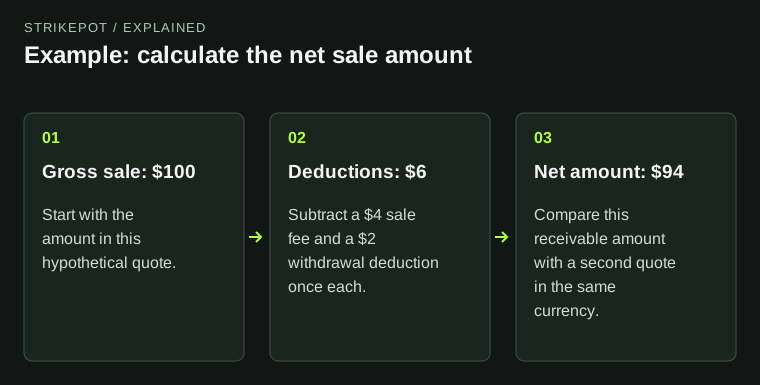
For example, a hypothetical 50-unit indication before deposit and a 47-unit indication afterward are different quotes. A successful deposit does not guarantee the former buyer price stays available.
Explanation: which record is missing?
Item unsold on DMarket
Review current Instant Sell or listing choices.
Sale completed; funds restricted
Read the balance label and protection state.
Item nowhere visible
Report both inventory checks and the original offer reference.
Explanation diagram, not a website screenshot. The branches direct the evidence check without promising a sale or payout.
Original explanation · not an account screenshot| Original Steam trade | Shows where the skin moved |
|---|---|
| DMarket inventory entry | Shows whether the item remains unsold |
| Current Instant Sell price | A fresh offer to evaluate |
| Completed sale record | Evidence that ownership changed to a buyer |
04
Read the resulting balance label
After an actual sale, read the balance state rather than concluding that another trade failed. The August 2026 Tradable balance article describes protected CS2 proceeds usable for some Market purchases while still unavailable for cash withdrawal or Targets.
The Instant Sell article uses broader locked-fund language. Where the help pages differ, use the later balance-specific article and the account’s displayed label; do not assume that every protected amount has identical uses.
05
Give support the deposit and sale records together
For an unresolved discrepancy, report the original Steam offer reference, item, deposit time, the absence or presence of a completed sale and the current DMarket location. These identify the gap between deposit and buyer purchase.
If the item is absent from both Steam and DMarket, describe that separately. If the sale exists but funds are restricted, the existing locked-balance guide is the closer next check.
BEFORE YOU CONTINUE
Quick checklist
- Locate the original item after the completed Steam trade.
- Separate successful deposit from completed sale.
- Read any retry as a fresh price decision.
- Use the actual post-sale balance label.
Official sources
Official public documentation reviewed on 26 October 2026 (America/Toronto).
- DMarket Help Center — Sell an item instantly · reviewed
- DMarket Help Center — Tradable balance: how can I use it? · reviewed
Public documentation review only. No account was signed in, no order or trade was created, and no payment was made. Examples use invented amounts and do not report current market prices.
Need the details for a particular website?
The code directory records each partner’s code, referral method and offer status. Use the relevant partner page when your question also involves one of those details.
Partner pages may include affiliate links. A listing does not confirm a reward or account eligibility.