THE QUICK ANSWER
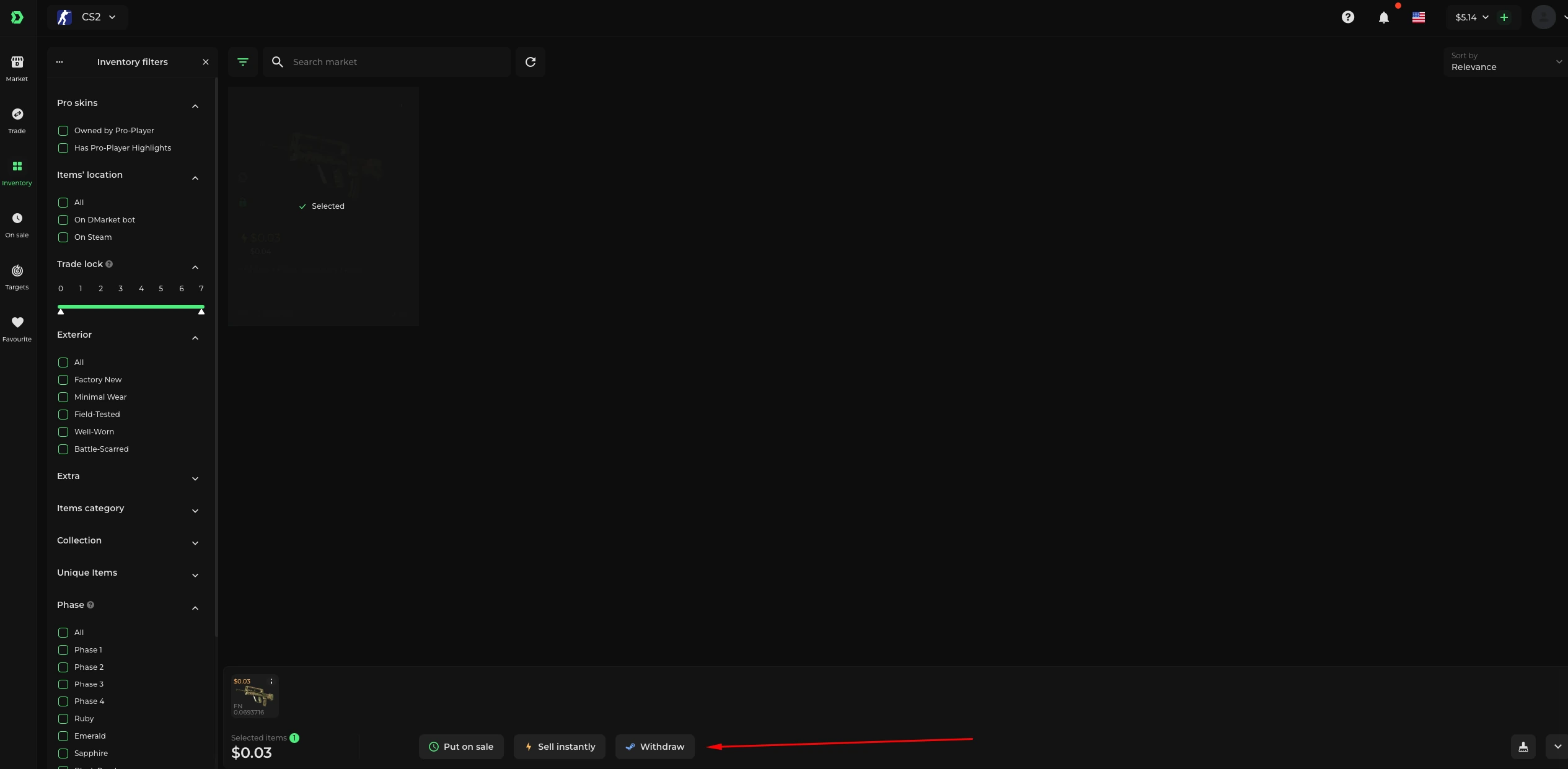
An exchange can combine item transfer with a balance adjustment. The inbound Steam bot offer deposits your items; the replacement items are recorded on DMarket afterward.

01
Read the offered and requested item sets
DMarket’s Trade flow puts the items you give on the left and the items you receive on the right. Compare the complete sets, quantities and quoted values before reviewing any price difference. A higher inventory reference elsewhere does not change the actual quote.
Save exact item attributes on both sides. Two skins with the same finish name may still have different wear, patterns or applied extras.
Explanation: the difference has a direction
Give 75 / receive 60
Fictional 15-unit credit to account for.
Give 60 / receive 75
Fictional 15-unit debit to account for.
Quote controls
Read the actual currency and complete final total.
Explanation diagram, not a website screenshot. Original arithmetic, not DMarket prices.
Original explanation · not an account screenshot02
Check the direction of the balance adjustment
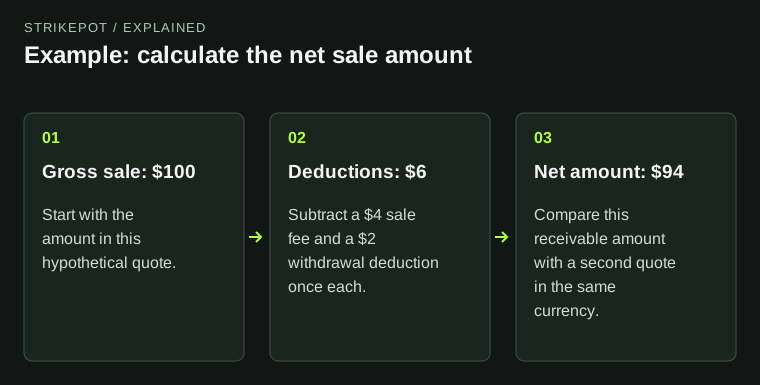
The documented exchange adjusts your DMarket balance when the two sides differ. A more expensive requested set needs additional eligible funds; a cheaper requested set can leave a balance credit. Read the actual confirmation’s amount and currency.
In a fictional exchange, giving items quoted at 75 units for items quoted at 60 leaves a 15-unit difference to account for. Giving 60 for 75 requires 15 in the other direction. These numbers omit any charges unless already included in the example quote.
| Give 75; receive 60 | Illustrative 15-unit balance credit |
|---|---|
| Give 60; receive 75 | Illustrative 15-unit balance debit |
| Actual exchange | Use the complete platform quote |
| Cash withdrawal | A separate later action and eligibility question |
03
Understand an inbound one-sided bot offer
DMarket’s September 2026 upload article says a bot deposit offer does not include the replacement item. The platform first receives your item, then performs the exchange. This documented sequence explains why the inbound offer and the final acquired inventory are different records.
Use only the offer generated for the original exchange and check its bot and items. The documented sequence is not evidence that any unsolicited one-sided offer is legitimate.
Explanation: a platform exchange has separate records
Deposit
Inbound Steam offer receives your selected skins.
Exchange
DMarket completes the quoted item/balance operation.
Result
Check My Items and the balance adjustment.
Explanation diagram, not a website screenshot. The deposit offer is not a screenshot of a two-sided Steam swap.
Original explanation · not an account screenshot04
Check My Items and the balance entry
The Trade article directs users to My Items for received items after the exchange. Compare that result with the original requested set and any balance change. Do not conclude a replacement is missing merely because it was not present in the deposit offer.
An item held on DMarket may still require a separate withdrawal to Steam. Follow its item status and lock notice rather than treating exchange completion as Steam delivery.
05
Keep three references together
Retain the exchange quote, inbound Steam offer and platform result, including the balance difference. For a discrepancy, state which of those events completed and which did not.
If an exchange is blocked by protection, use the protected-exchange guide; if the acquired item is present but cannot be withdrawn, use the existing delivery/lock guide. Neither requires recreating the exchange to establish what happened.
BEFORE YOU CONTINUE
Quick checklist
- Record both complete item sets.
- Read whether the balance difference is a debit or credit.
- Match the inbound offer to the original exchange.
- Verify received items and balance afterward.
Official sources
Official public documentation reviewed on 26 October 2026 (America/Toronto).
- DMarket Help Center — Trade items · reviewed
- DMarket Help Center — Uploading Steam items to DMarket account · reviewed
Public documentation review only. No account was signed in, no order or trade was created, and no payment was made. Examples use invented amounts and do not report current market prices.
Need the details for a particular website?
The code directory records each partner’s code, referral method and offer status. Use the relevant partner page when your question also involves one of those details.
Partner pages may include affiliate links. A listing does not confirm a reward or account eligibility.