THE QUICK ANSWER
Valve says unsealing graffiti supplies 50 charges. Only sealed graffiti can be traded or sold; consumed or deleted graffiti cannot be restored.
01
Check the seal before using it
A sealed graffiti item and usable graffiti charges represent different states. Valve permits trading and Market sale while the graffiti is sealed; unsealing it removes those options.
Decide whether you want an inventory collectible or a pattern to spray before confirming an unseal action. A matching design name does not erase the difference between those states.
One design, different inventory states
Sealed graffiti
Read the item before confirming Unseal.
Unseal
Valve supplies 50 charges; trading and Market sale stop.
Use or delete
Spending the final charge or deleting removes the usable supply.
Original state diagram of the documented graffiti lifecycle.
Original explanation · not an account screenshot02
Follow the charge count
Unsealing supplies 50 applications. Valve says unsealing a pattern already present adds another 50 charges to its existing supply. The usable pattern can disappear when all charges are spent.
Look in both the in-game graffiti menu and inventory. Record the exact pattern and remaining supply instead of searching only for the old sealed listing. Deleting unsealed graffiti is also permanent; it is not a way to recover a sealed item.
| Sealed | Can be traded or marketed, subject to other item/account restrictions. |
|---|---|
| Unsealed with charges | Available for spraying; no longer tradable or marketable. |
| All charges spent or deleted | Valve says consumed or deleted graffiti cannot be restored. |
03
Use the surface preview
Valve’s placement preview shows whether the surface supports graffiti. If the preview is absent, move to a supported surface before deciding the item is broken.
Keep availability and placement separate when reporting a problem. “Pattern absent from menu” and “pattern selected but no surface preview” describe different stages.
Missing pattern or blocked placement?
Absent pattern
Look for an exhausted supply or a deletion.
Pattern selected, no preview
The targeted surface does not support graffiti.
Pattern visible with charges
Read the active selection and placement preview.
Keep inventory availability and a valid spray surface as separate checks.
Original explanation · not an account screenshot04
Keep a useful record
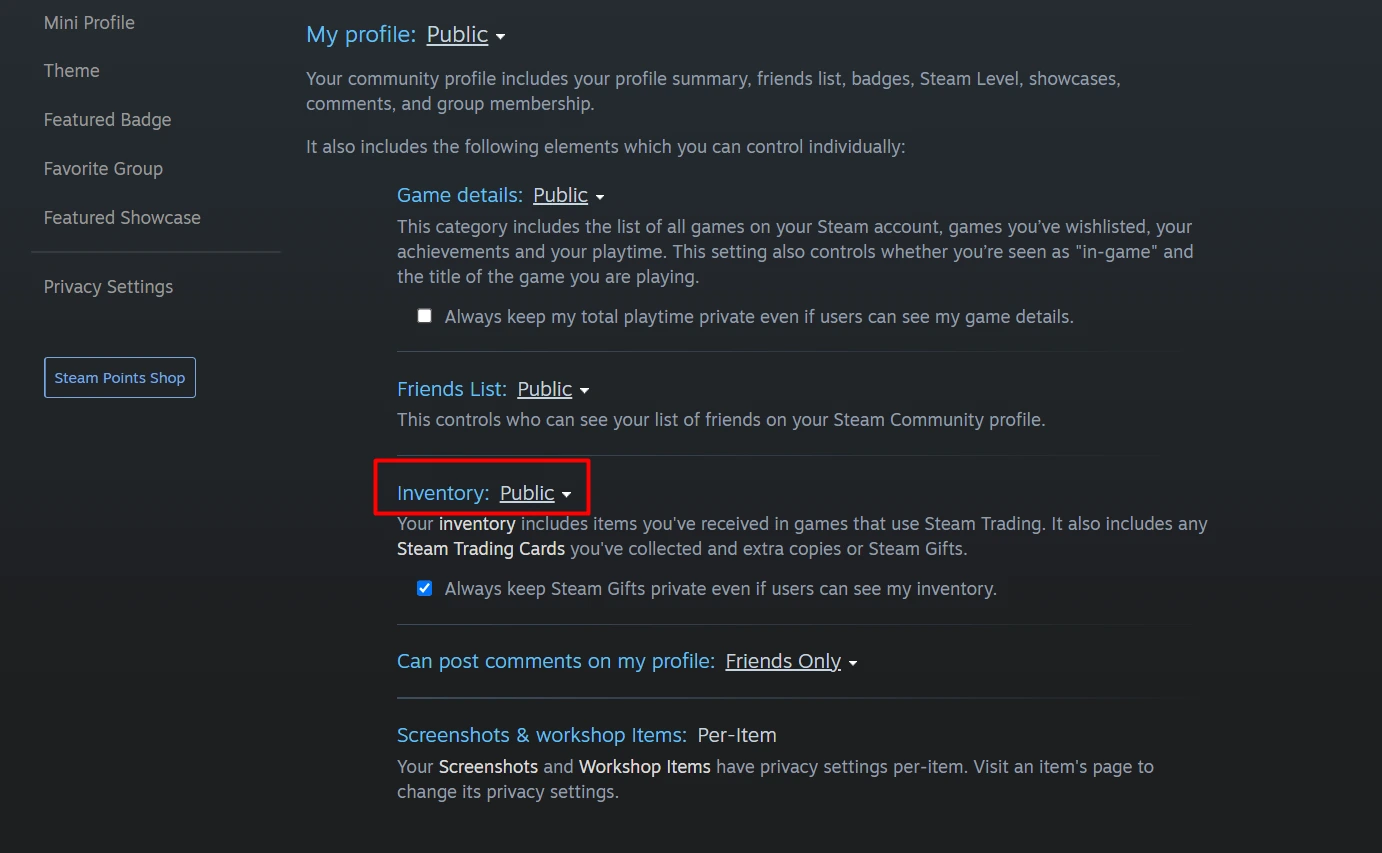
Save the pattern name, sealed or unsealed state and visible charge count. A Steam inventory item missing only from another site belongs with the inventory visibility checks, not a request to restore sprays already consumed.
BEFORE YOU CONTINUE
Quick checklist
- Read the sealed or unsealed state.
- Check the exact pattern and remaining charges in CS2.
- Use the surface preview for placement.
- Avoid deletion as a troubleshooting step.
Official sources
Public game documentation and item descriptions reviewed on 26 October 2026 (America/Toronto). Community-maintained references are labelled where used.
- Steam Support — CS2 Graffiti · reviewed
The English Steam Support URL returned only an image through direct page extraction. Current indexed Valve FAQ text, including the same FAQ’s localized result, supplied the seal, 50-charge, menu, deletion and preview rules. No graffiti was unsealed, sprayed, purchased or deleted.
Keep exploring skins & trading
Find practical guides for inspecting CS2 skins, understanding Rust cosmetics and comparing TF2 items.