Pause at the decision you want to understand
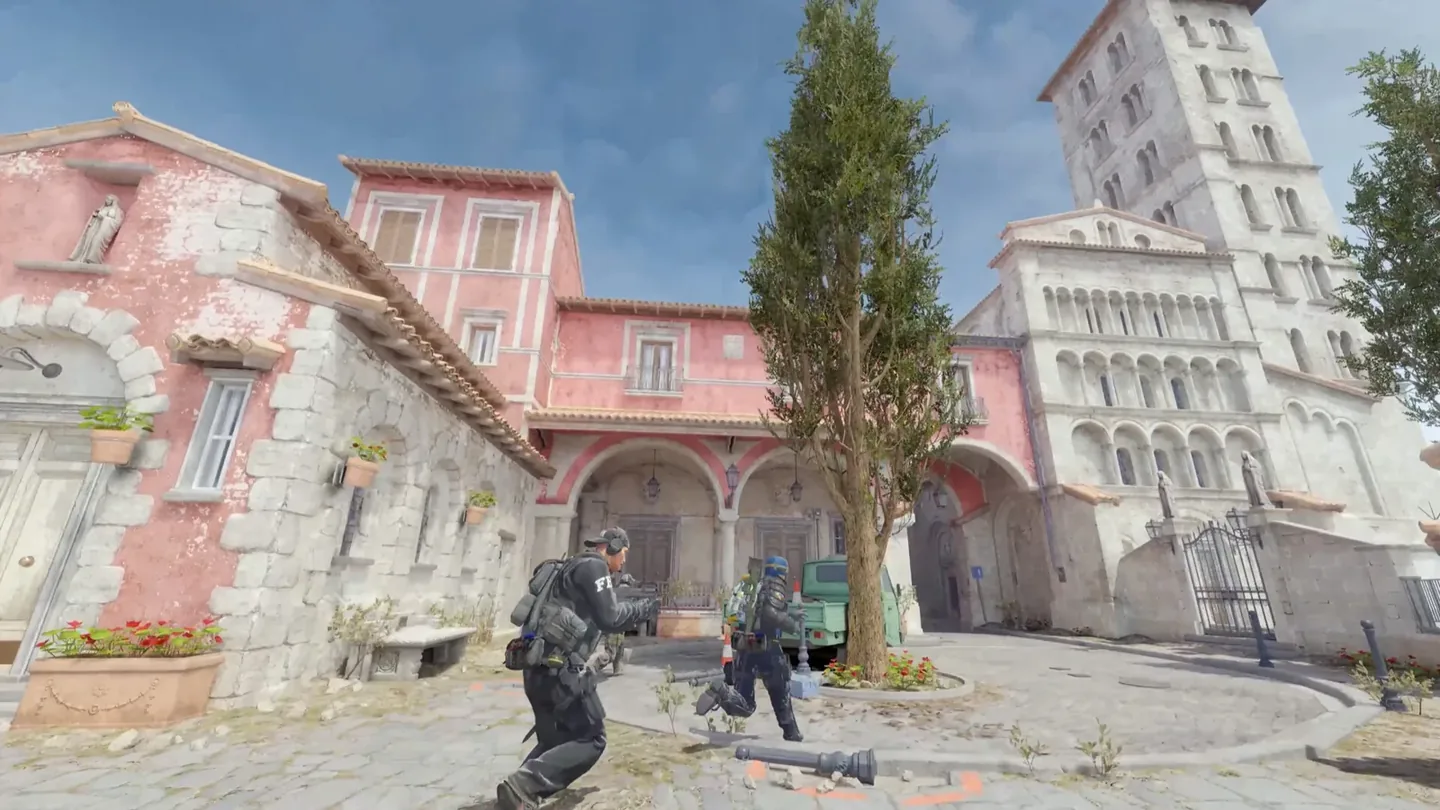
The download indicator shows progress while you wait for a recording. In the demo, you can pause and use free or chase cameras to examine a moment from another angle. Valve's notes also list fixes for seeking through recordings.
Review the round in three passes
- Watch a lost round from your own perspective. Note what you thought was happening before the fight.
- Pause before the key decision and use another camera to check spacing. Remember that this view gives you information you did not have during the round.
- Return to your perspective and choose one adjustment to try next time: positioning, timing or communication.
Test one adjustment before changing a habit
A different camera angle may explain one mistake. Look for the same situation in other rounds before deciding a habit needs to change. Leave the review with something specific to test in your next session.
The release also included AUG-animation and Vulkan-stability work, covered in the weekly briefing. This article focuses on the replay changes and how to use them for review.