THE QUICK ANSWER
Support for two games does not mean their items can share one exchange. Check game coverage, individual eligibility and batch rules separately.
01
Make an inventory list by game first
A CS2 recommendation may not address a Rust skin or a TF2 item in the same account. DMarket's current homepage lists CS2, TF2, Rust and Dota 2. Skinport's published buying guide also names those four game markets. SkinSwap's current explanation names CS2 and Rust.
Start with the games you actually need. Then check the proposed operation for each item: buying, selling or exchanging. A homepage's game coverage does not promise that every item from that game will be accepted or that a particular item is available today.
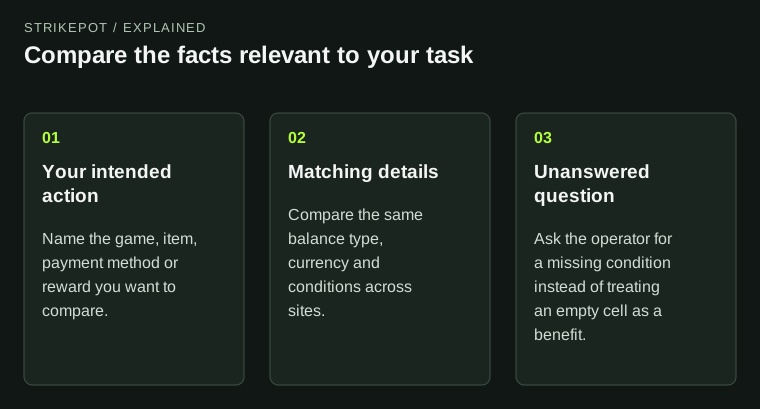
Three questions for a mixed inventory
Game scope
Is the game's market documented?
Item eligibility
Can this exact item be used in this operation now?
Batch rule
Can these eligible items travel together?
Record
Give each separate operation its own reference.
A coverage checklist for CS2, Rust and TF2 inventories. No stock counts or acceptance rates are implied.
Original explanation · not an account screenshot02
Compare documented scope and batch constraints
| DMarket | Current homepage identifies CS2, TF2, Rust and Dota 2 markets. Check the chosen operation and individual item eligibility. |
|---|---|
| Skinport | Published buying documentation describes CS2/CSGO, TF2, Rust and Dota 2 game markets; use the current game section and item status. |
| SkinSwap | Current help describes CS2 and Rust; it explicitly says those games cannot be combined in one trade after Trade Protect. |
| CSFloat | Reviewed public material describes its CS2 marketplace. That evidence does not establish a Rust or TF2 route. |
| Unsupported or unconfirmed item | Keep it out of the proposed batch until the service documents an eligible flow; do not treat a missing game as a loading problem. |
03
Use three separate checks for every item
First, does the service document the game? Second, is the individual item eligible for that operation now? Third, can it be included in the intended trade or purchase batch? Combining these questions into one yes/no label can hide the reason an inventory is only partly usable.
For example, a CS2 skin and Rust skin may both fall within SkinSwap's documented coverage while still needing separate trades. A TF2 item is outside the game scope established by that explanation. This is an operational distinction, not a comparison of prices or trustworthiness.
- Game and exact item name
- Current tradable or marketable status
- Operation supported for that item
- Whether a separate game-specific batch is required
- Where proceeds or replacement items are expected to arrive
Two supported games can still mean two trades
CS2 group
Keep the proposed CS2 items together in their own record.
Rust group
Keep the proposed Rust items in a separate record.
SkinSwap rule
Its published explanation excludes combining CS2 and Rust in one trade.
This diagram illustrates SkinSwap's named batch limitation and is not a rule for every marketplace.
Original explanation · not an account screenshot04
Plan the records before creating transfers
Keep a separate row for each planned batch and its output. If a batch is split by game, expect separate references to track. Do not use the completion of one game's trade as evidence that every item from the account was included.
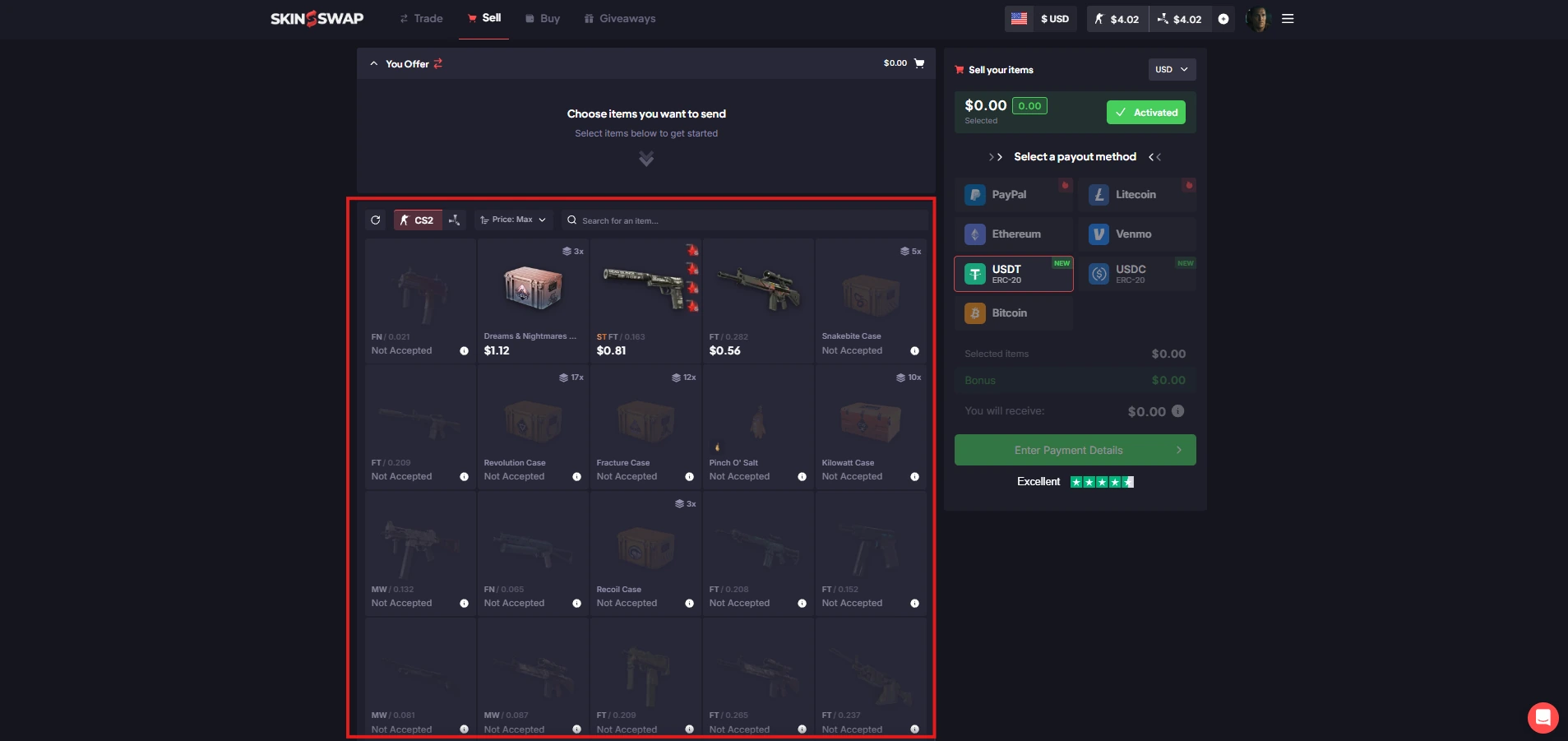
If coverage is uncertain, ask the official service about the game and exact item before listing or depositing it. A current item-selection screen is more specific evidence than a general 'trade skins' banner. This comparison cannot establish stock or acceptance from an account-free page.
05
Shortlist services from the games outward
- Group your intended items by game.
- Check each candidate's official game and operation documentation.
- Record item-level exceptions and separate-batch requirements.
- Compare complete quotes only for the batches that are actually eligible.
BEFORE YOU CONTINUE
Quick checklist
- Group the inventory by game.
- Separate game coverage from item acceptance.
- Read cross-game and batch restrictions.
- Retain one record for each actual operation.
Official sources
Official public documentation reviewed on 26 October 2026 (America/Toronto). Publication dates and source-access limits are recorded below.
- DMarket — current supported game markets · reviewed
- Skinport — documented game market selection (2021 guide) · reviewed
- SkinSwap — Supported Games and separate-trade restriction · reviewed
- CSFloat — current CS2 marketplace description · reviewed Official indexed text; direct open returned a JavaScript shell.
DMarket and SkinSwap public pages were readable. Skinport's buying guide was last updated in September 2021 and is identified as older documentation. CSFloat's current indexed homepage describes CS2; direct application access returned a JavaScript shell. Coverage is limited to what those sources establish. No inventory, availability, batch, quote or transaction was tested.