THE QUICK ANSWER
The preview camera, aiming reticle and actual thrown grenade are different evidence. Keep position, grenade type and movement the same when comparing a line-up.
01
Set up one repeatable line-up
Use a Practice session and the grenade preview camera available in its current controls. Record the map, grenade type, standing point and aiming reference before comparing a throw.
Keep a known starting position and change one variable at a time. A useful practice note explains whether the throw is standing, moving or jumping; “aim here” without that context is incomplete.
Three views of one line-up
Aiming reticle
Where the view is aligned after its configured delay.
Preview camera
The expected result for the current input state.
Thrown grenade
The observed path and landing result in practice.
Original distinction between aiming aid, preview and observation; not a captured game screen.
Original explanation · not an account screenshot02
Check the intended jump state
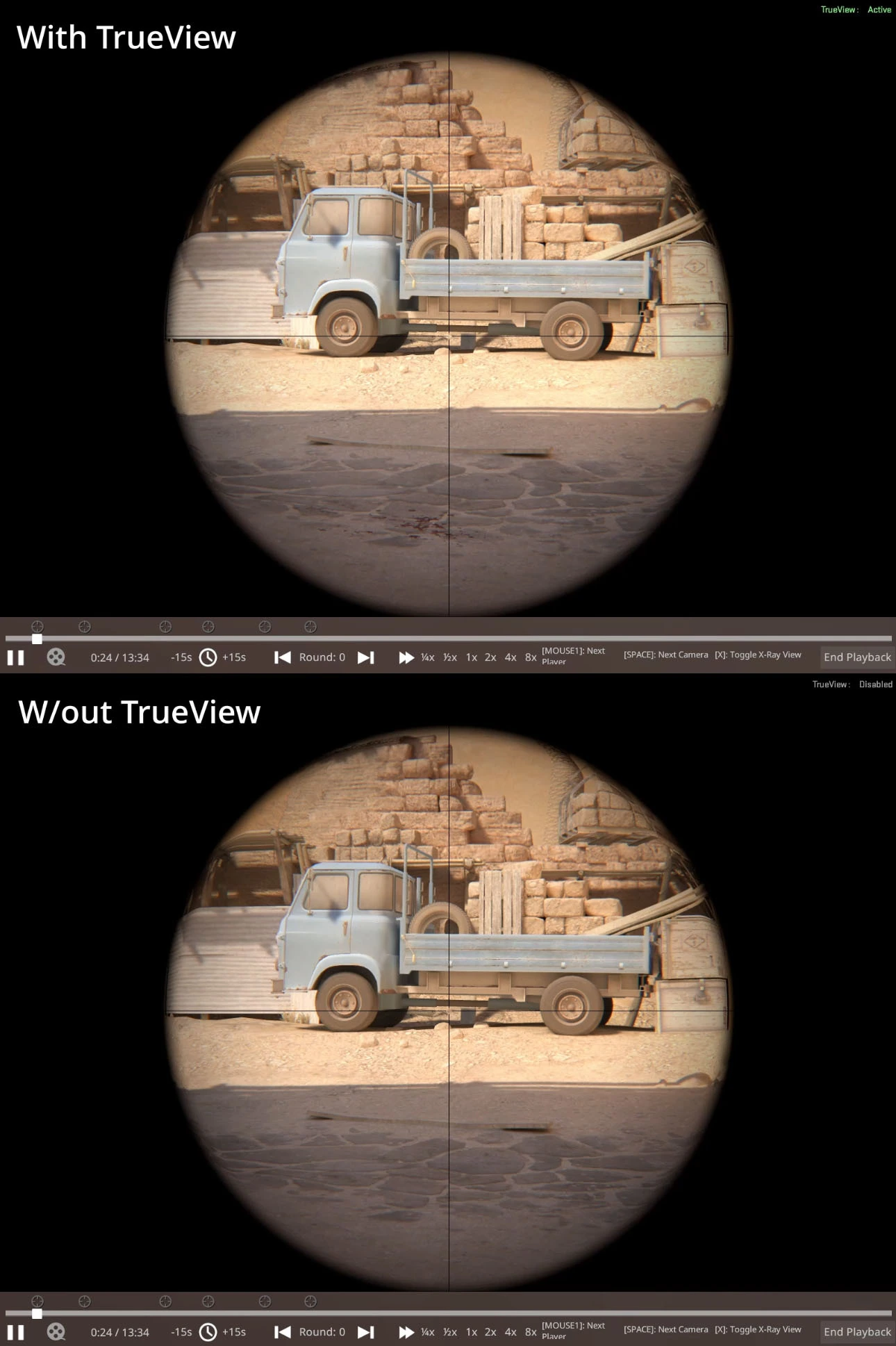
Valve’s 13 November 2024 CS2 update says the grenade preview camera shows a jump-throw result while the jump button is held. Its 18 May 2026 update further improved jump-throw consistency and preview accuracy.
When comparing standing and jump throws, record whether jump was held for the preview and how the actual throw was performed. A standing preview is not the same observation as a jump-state preview.
03
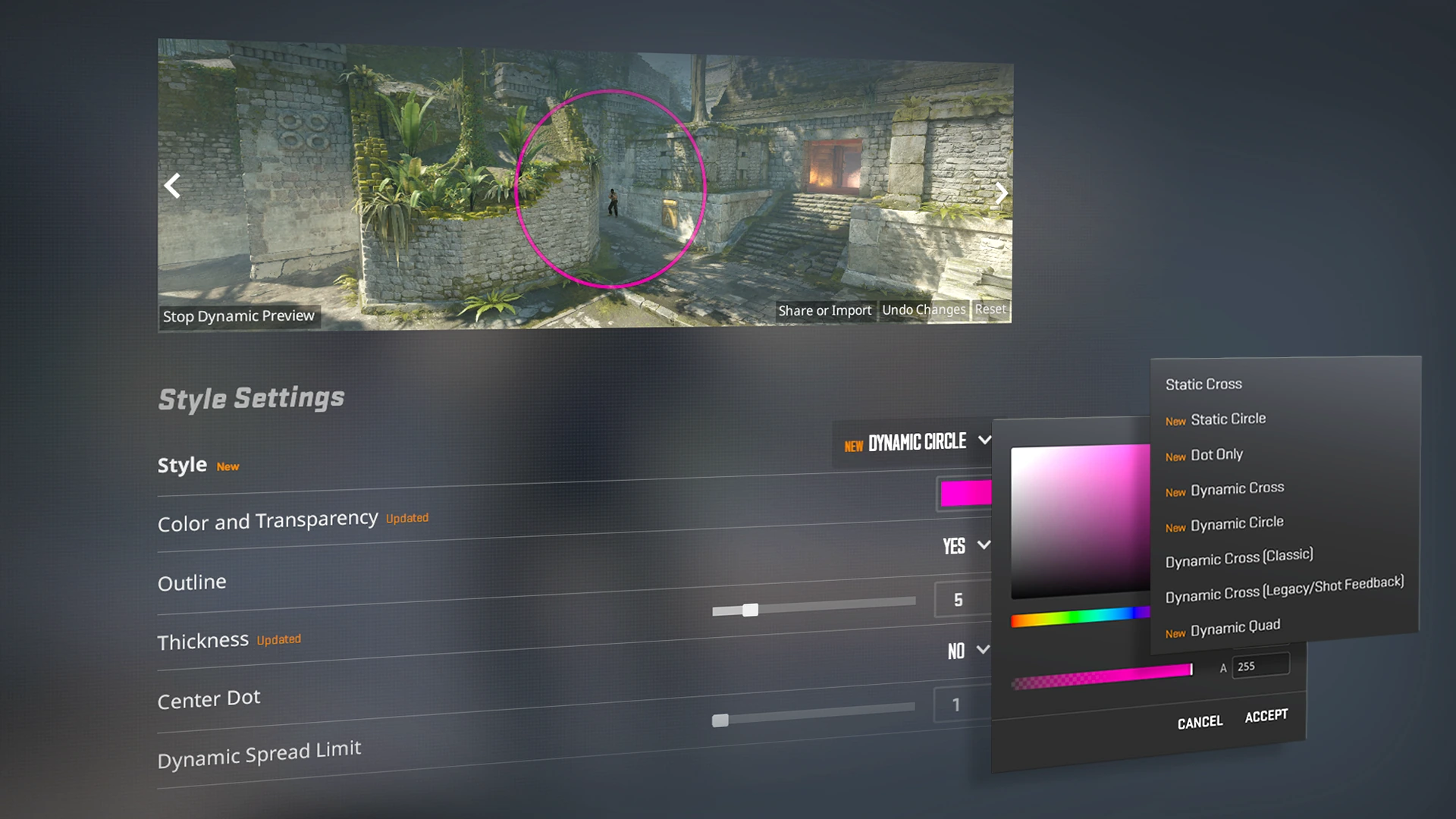
Treat the line-up reticle as a separate aid
Valve added a line-up reticle with timing configurable independently for grenade types in April 2024. Later notes added axis labels and continued to adjust grenade-crosshair behaviour.
If the reticle appears later for one grenade, inspect its delay setting instead of assuming the camera is unavailable. The reticle helps align the view; the preview shows an expected result, and the actual throw supplies the comparison.
What must match in a comparison?
Map
Same build and geometry.
Position / aim
Same starting point and reference.
Grenade / input
Same type and standing, moving or jump state.
Evidence
Keep preview and actual throw in the same short sequence.
No trajectory, landing point or successful line-up is invented.
Original explanation · not an account screenshot| Reticle | The aiming reference and its configured delay. |
|---|---|
| Preview | The result shown for the current stance or jump state. |
| Actual throw | Where the grenade goes with the recorded inputs. |
04
Recheck a line-up after map or movement changes
Valve’s recent map updates include grenade collision changes. Preserve the map version or update date with a practice note instead of assuming an old video describes today’s geometry.
Repeat the actual throw under the same conditions before relying on the note. This is a comparison workflow, not a claim that one screenshot proves a guaranteed match result.
05
For a mismatch, keep the full setup
A useful report includes game build, map, grenade type, position, aiming reference, movement/jump input and a short recording of preview versus throw. State exactly what differed.
Use current Practice controls and official CS2 notes. The old CS:GO grenade-follow key and copied jump-throw scripts are not used here.
BEFORE YOU CONTINUE
Quick checklist
- Record map and grenade type.
- Keep position and movement repeatable.
- Hold jump for the documented jump-state preview.
- Compare preview with an actual throw on the same build.
Official sources
English primary documentation reviewed on 26 October 2026. Historical release notes are dated; current-client observations are not implied.
- Valve — CS2 grenade preview update, 13 November 2024 · reviewed
- Valve — CS2 jump-throw accuracy update, 18 May 2026 · reviewed
- Valve — grenade line-up reticle, 25 April 2024 · reviewed
- Valve — September/October 2026 grenade-crosshair notes · reviewed
Documentation review only. No personal game client, account, server, download or setting was tested. The comparison and evidence suggestions are original editorial guidance.