THE QUICK ANSWER
Trace the map download before changing Rust settings. A direct .map file, a web page and a cached older map are different cases.
01
The map may come from a different host
Facepunch’s hosting guide says players download custom maps from the configured public URL, not from the Rust game server itself. A server that appears online can therefore have a separate map-download problem.
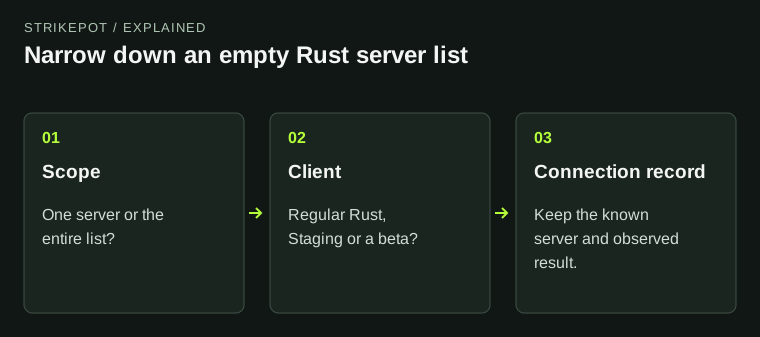
Record the server, map and exact error. If the whole server browser is empty, use the separate server-list guide; this page starts from a known server whose custom level cannot download.
A reachable server still needs a reachable map
Rust server
Provides the custom-map URL.
Public map host
Must deliver the actual file.
Local maps folder
The exact file can be checked under the documented fallback.
Join result
Keep the new error or successful load as a separate observation.
Original explanation of separate server and file-host roles.
Original explanation · not an account screenshot02
Read the actual URL from F1
The official troubleshooting page tells players to find the F1 line beginning Download map file and open that URL in a browser. Note whether it returns the intended .map file, an access error or an ordinary web page.
Use the original server’s reference and treat the link as evidence. Do not substitute a similarly named map from a search result: the server expects a particular file.
| Direct map file | The host can supply that file to this browser. |
|---|---|
| Web page or sign-in page | This is not the required direct-file response. |
| Host error | Keep the response code and time for the server operator. |
03
Use the documented local-file route only for the matching map
If the exact download succeeds, Facepunch documents placing that file in the maps folder under the Rust installation, then trying the original server again. Use Steam’s Browse local files to locate your actual installation.
Keep the original filename and a copy of any existing matching file before replacing it. This check does not require running a downloaded executable, changing security protections or deleting unrelated maps.
Classify the response before changing settings
Direct .map
Check the matching file and documented maps-folder route.
Page / access error
Send URL response evidence to the operator.
World mismatch
Ask which uniquely named map version is intended.
Whole list absent
Use server-browser troubleshooting instead.
The branches describe different failure stages, without a guaranteed fix.
Original explanation · not an account screenshot04
World mismatch is a different error
Facepunch describes reused map names as one cause of a cached older file loading instead of an updated server version. It recommends unique names for new map versions on the hosting side.
If the message changes to World File Outdated or World Mismatch, preserve that new wording and ask the server operator which version is intended. Do not continue diagnosing it only as an unavailable download.
05
Give the operator the failed host response
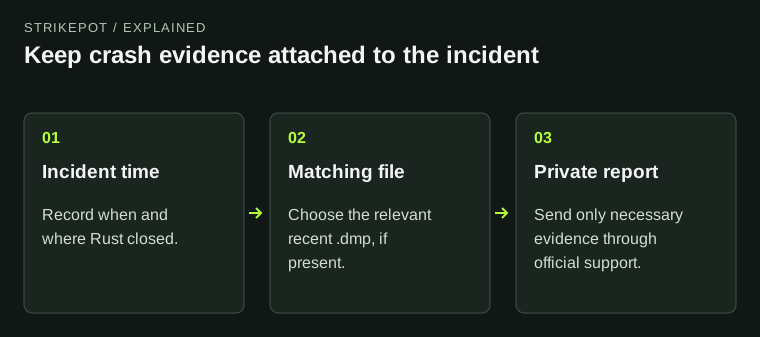
If the direct URL fails, report the server, map URL, response/error, time and whether other users are affected. The operator can check public file access and its hosting configuration.
The official page states there is no single solution. Its broader network table contains more invasive suggestions; start with this specific file-host evidence and follow targeted provider guidance for any later change.
BEFORE YOU CONTINUE
Quick checklist
- Copy the actual Download map file URL from F1.
- Identify file, web page or host error.
- Use only the matching .map for the intended server.
- Distinguish download failure from an outdated cached map.
Official sources
English primary documentation reviewed on 26 October 2026. Historical release notes are dated; current-client observations are not implied.
- Facepunch Wiki — FAQ and Troubleshooting for custom maps · reviewed
- Facepunch Wiki — Hosting Custom Maps · reviewed
- Facepunch Wiki — locating the Rust installation · reviewed
Documentation review only. No personal game client, account, server, download or setting was tested. The comparison and evidence suggestions are original editorial guidance.